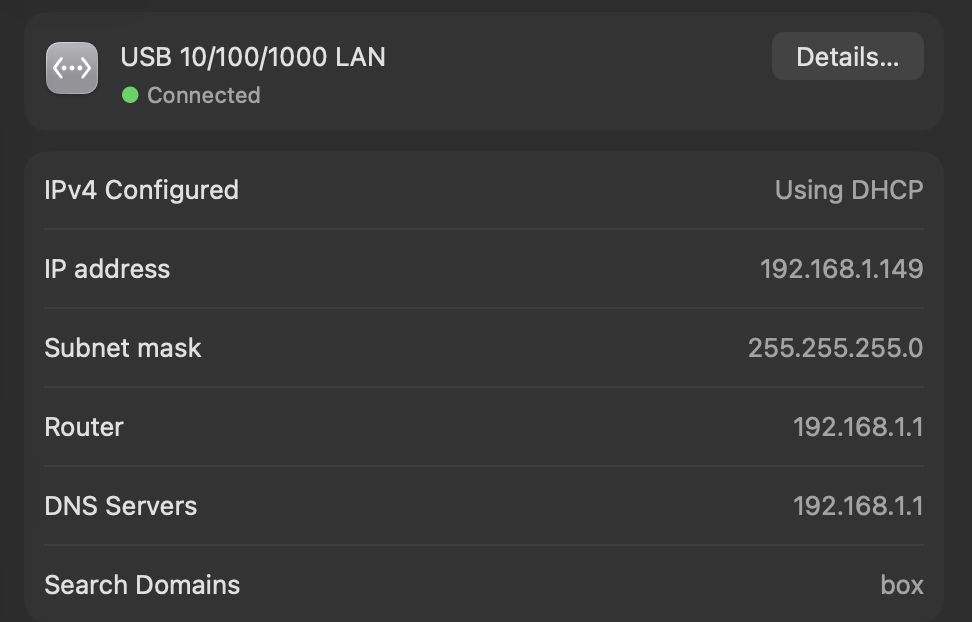
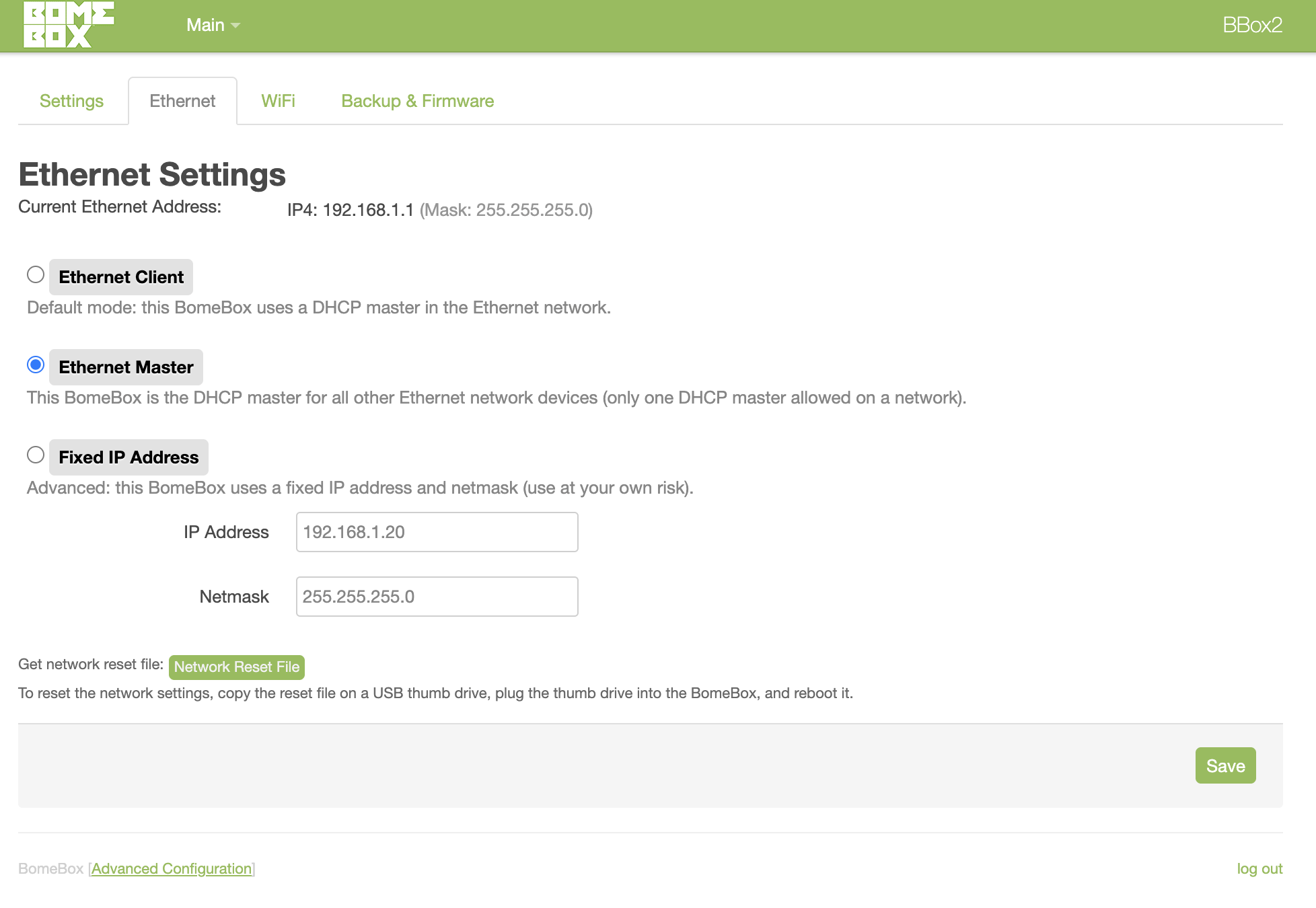
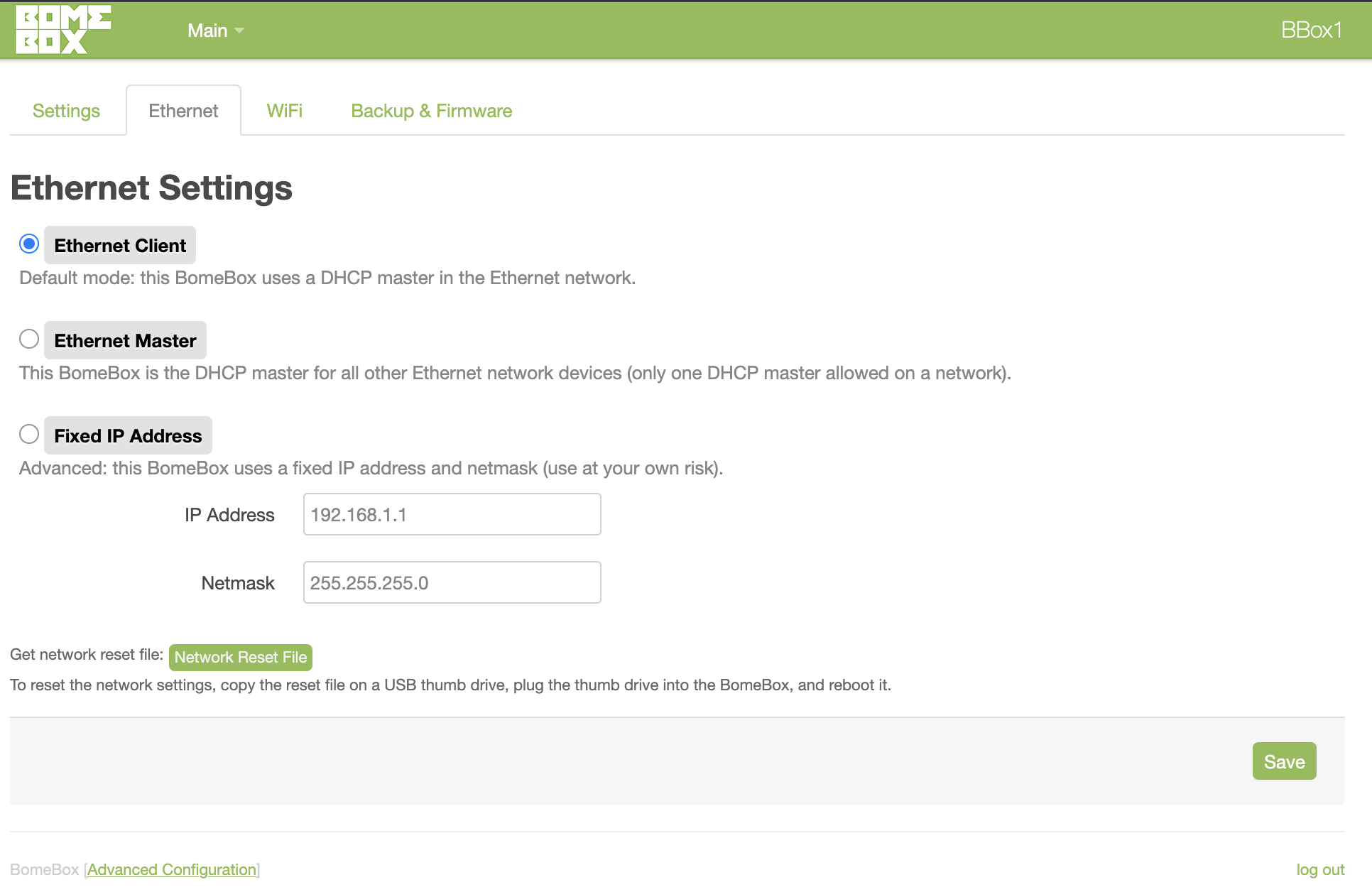
I anyone else having problems after updating to MacOS Tahoe 26.2? Same hardware… M1 Macbook Pro, Sonnetech Thunderbolt Hub, Netgear POE switch connecting 2 Bomeboxes. I can connect to Bomeboxes with wifi but not ethernet. I have been able to connect to one bomebox by setting it as ethernet master, but the 2nd bomebox is not available as a client. I did a factory reset on both bomeboxes. Spent 2 days messing with network settings on the Macbook. I’m stuck with using only one Bomebox as ethernet master atm. Any ideas?
I’m working on Tahoe 26.1. Will schedule and update shortly.
I have a Mac MINI 2.
A few questions.
Are you daisy chaining the BomeBoxes?
Is it always the same BomeBox that you cannot connect to?
How are you powering the BomeBoxes. I assume POE but maybe if the problem is with only one of the BomeBoxes and it is always the same BomeBox, try powering that with USB and then use the second BomeBox port for data. Do you see the data light blinking on both BomeBoxes?
Could you provide screen shots of the ethernet settings for both BomeBoxes?
Steve Caldwell
Bome Customer Care
Also available for paid consulting services: bome@sniz.biz
I wonder if the ethernet in port is only getting POE but not receivig data. Try powering BBox 1 using USB and then plug it into the router via the POE out port. That way it will get power via USB and data via the other ethernet port. This is in case the POE IN port is not receiving data. Try also a different ethernet cable in the POE port in case the cable itself is bad.
If none of that works, try doing a factory reset with BBox1.
Steve Caldwell
Bome Customer Care
Also available for paid consulting services: bome@sniz.biz
I didn’t have time to get into it today. Yesterday tried powering BBox1 with USB and POE. Same. Doesn’t show up in Bome Network. Also can’t connect with ip address. BBox2 is setup as the master and it pops right up - but doesn’t show up as a client. Something most likely changed in my network settings - I did just move - but I can’t figure it out.
Thanks Steve, I’m only able to get BBox 2 to work as master. I understand you can only have one master. I’m using a Netgear GS305P unmanaged switch. There are no settings. Not sure if that counts as a router. What hardware/setup would you recommend for a multi-bomebox studio setup?
Set 1 BomeBox as a master and the other as a client. It doesn’t matter which you set but I find it strange thate BBox2 doesn’t work as a client is you have BBox1 as a master.
Steve Caldwell
Bome Customer Care
Also available for paid consulting services: bome@sniz.biz
Another thing - On BBox1 (the one that is not connecting) I can see the midi data is received by the blinking usb input, but not on the ethernet port. The other bomebox (the Master) is showing both usb input and ethernet blinking lights. Could that mean something?
If you dont see the data light blinking on the POE in port, I suspect that the POE in port is only passing through power and the data connection on the ethernet port is not working.
You could confirm this by using USB power on BBox1 and then using the POE out port for ethernet data.
Steve Caldwell
Bome Customer Care
Also available for paid consulting services: bome@sniz.biz
I realize now that’s exactly what you told me to do. I missed the pugging into eth out… My apologies. I appreciate your help. It’s working now. Does this mean POE is unavailable?
Hi, from what I understand, PoE seems to work (i.e. provide power to the BomeBox), but the PoE In port is somehow not working for Ethernet. It could be a misconfiguration (advanced config), or an actual hardware problem (which would is very very rare). You can always use PoE In for power only and PoE Out for Ethernet.
If you can confirm that this is a hardware problem (i.e. still happening after a factory reset), you can check with us via contact form if we can arrange a repair or replacement: https://www.bome.com/contact