Hi,
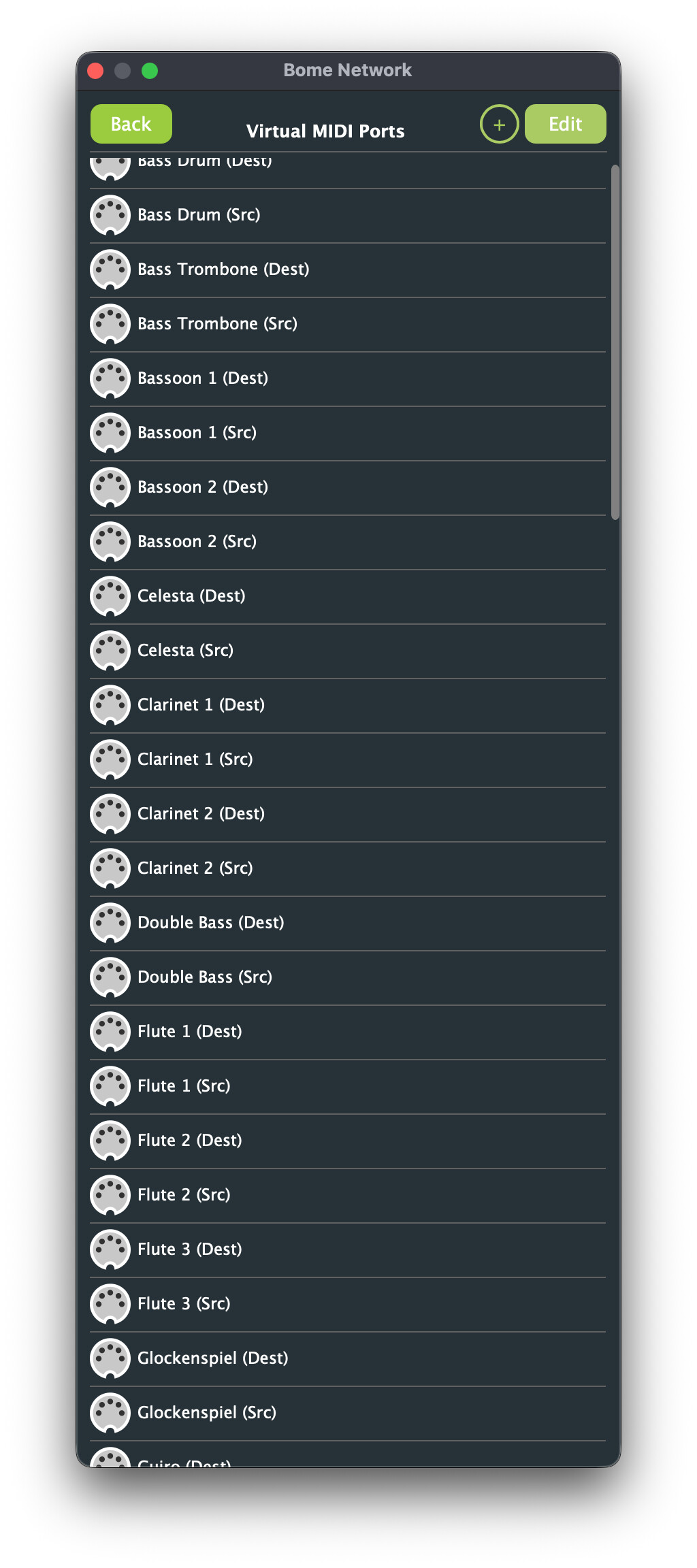
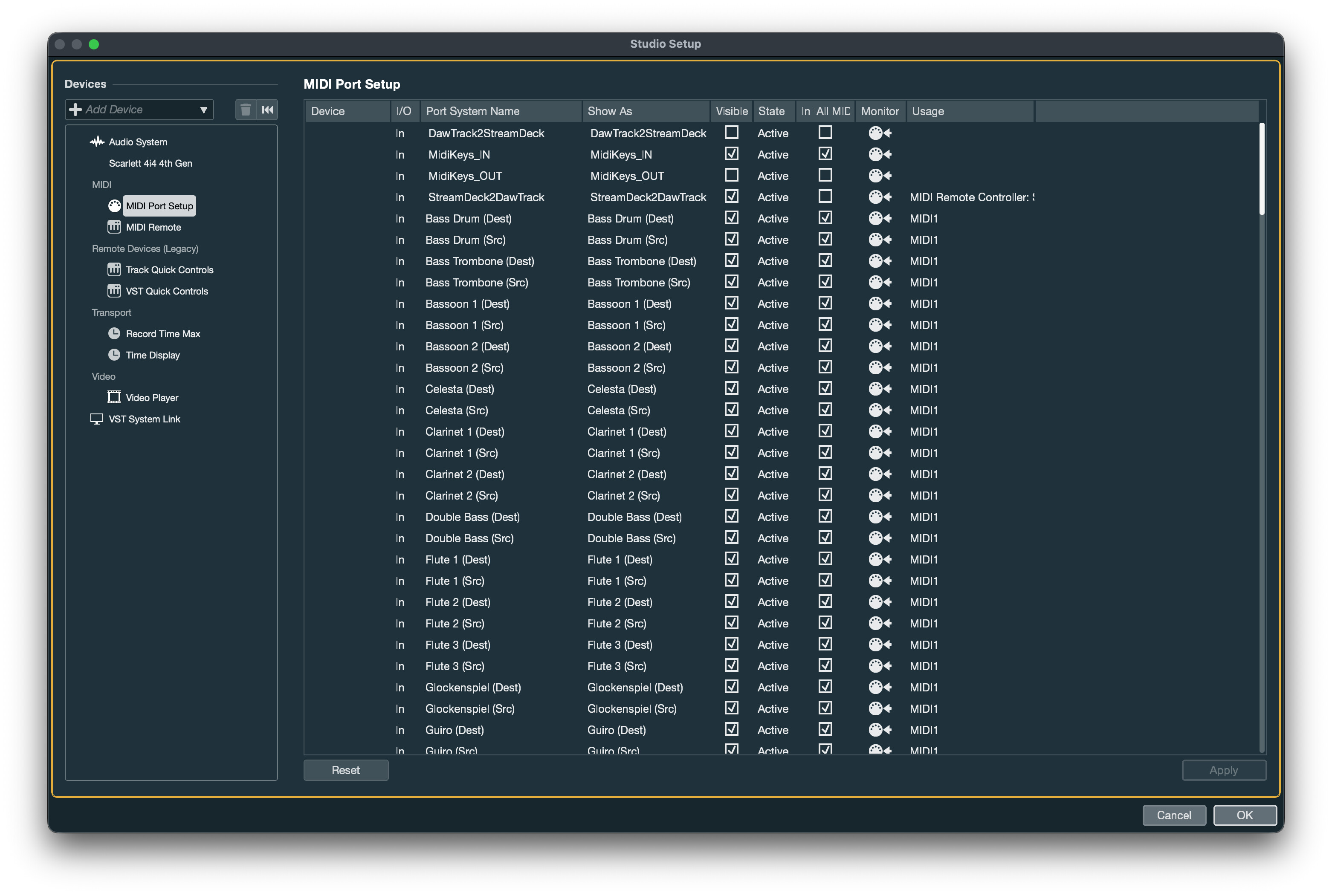
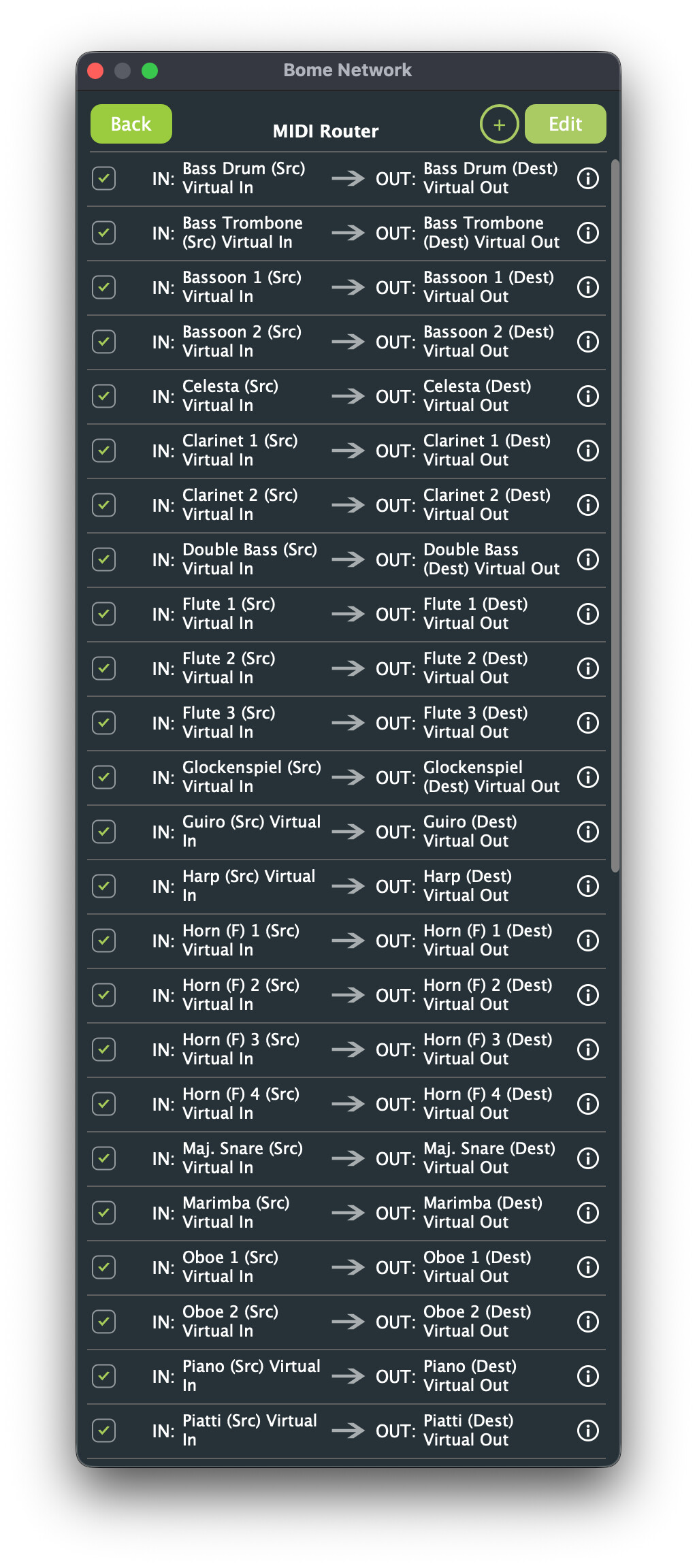
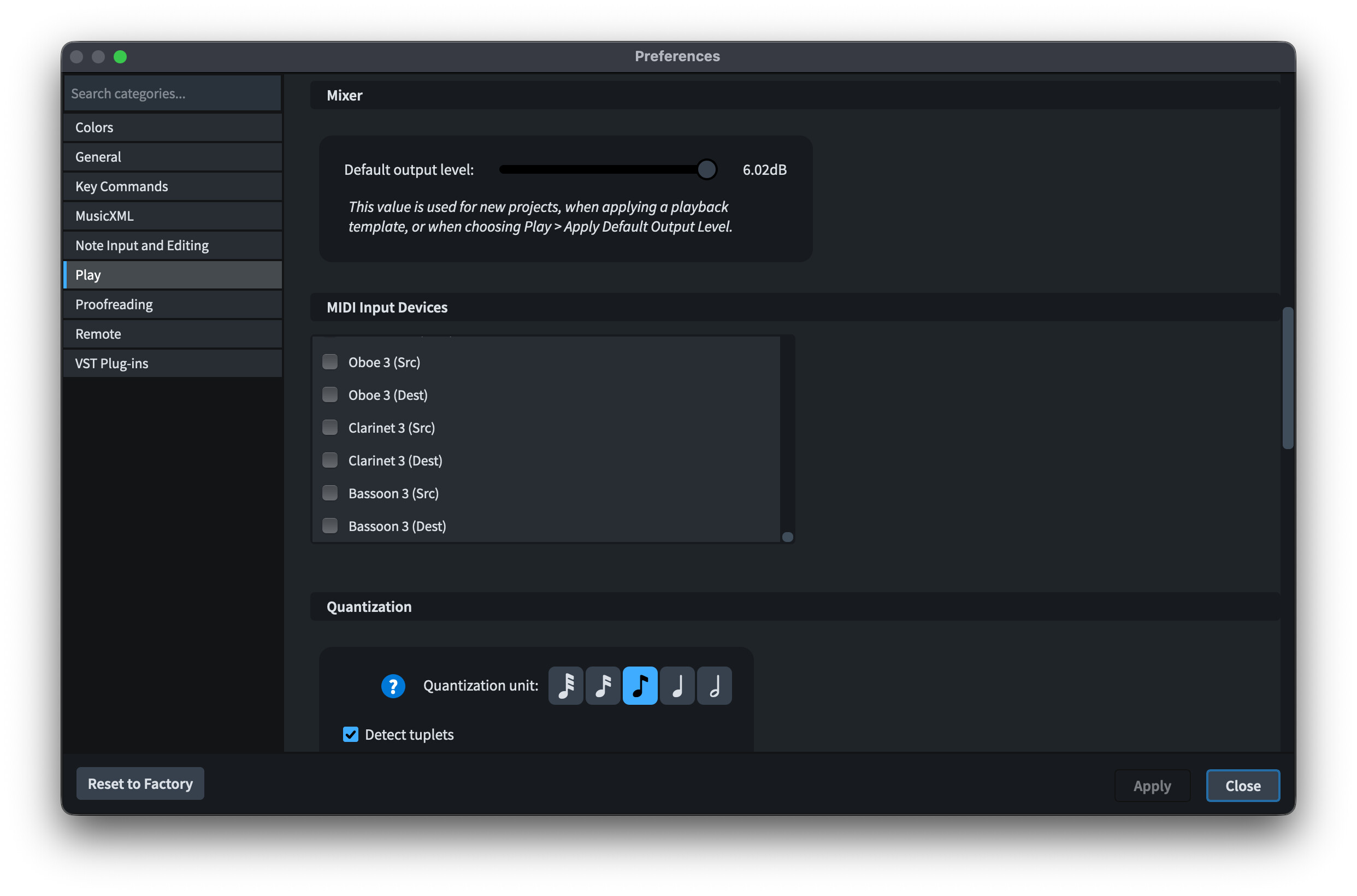
Is the Studio Setup Screenshot your interface for Dorico or Cubase? I am assuming Cubase. With your Bome Network Routing, you would be receiving from duplicate locations.
For instance since Base Drum (Src) and Base Drum (Dest) are both inputs and you might be receiving duplicate data.
You have a route
IN: Bass Drum (Src) → OUT: Bass Drum (Dest)
so you should receive from Bass Drum (Dest) only.
Are you trying for 2 way MIDI communcations here?
Typically I would do something like this
Port names
From Dorico Bass Drum
To Dorico Bass Drum
Then set up routes as follows:
IN: From Dorico Bass Drum → OUT: From Dorico Bass Drum
IN: To Dorico Bass Drum → OUT: To Dorico Bass Drum
With the above, they are setup as MIDI pipes and it is more clear ether the original source or destination.
You also need less virtual ports this way.
The first route would be from Dorico to Cubase and the second route would be from Cubase to Dorico.
You would only set up Cubase as input for Dorico to Cubase and output as Cubase to Dorico
Remember that virtual ports in Bome Network are endpoints only and the configuration of direction of routes are just linking the endpoints together (regardless of name)
This posting, explains the various routing options. I know it can be somewhat confusing but provides more power than the standard MIDI Loopback (pipe) that things like IAC ports offer.
I hope this helps clear things up.
I often struggle with the Bome Network Routing that allows (in advanced settings)
- IN to OUT
- IN to IN
- OUT to OUT
- Out to IN
as described in the referenced post.
Steve Caldwell
Bome Customer Care
Also available for paid consulting services: bome@sniz.biz