I did another re-install of Windows and everything worked for 2 boot cycles, then stopped working again. Nothing was changed. I simply booted the PC after the re-install and let it run for several hours, all was fine. Re-booted and it was still fine. Re-booted a 3rd time and then it was broken.
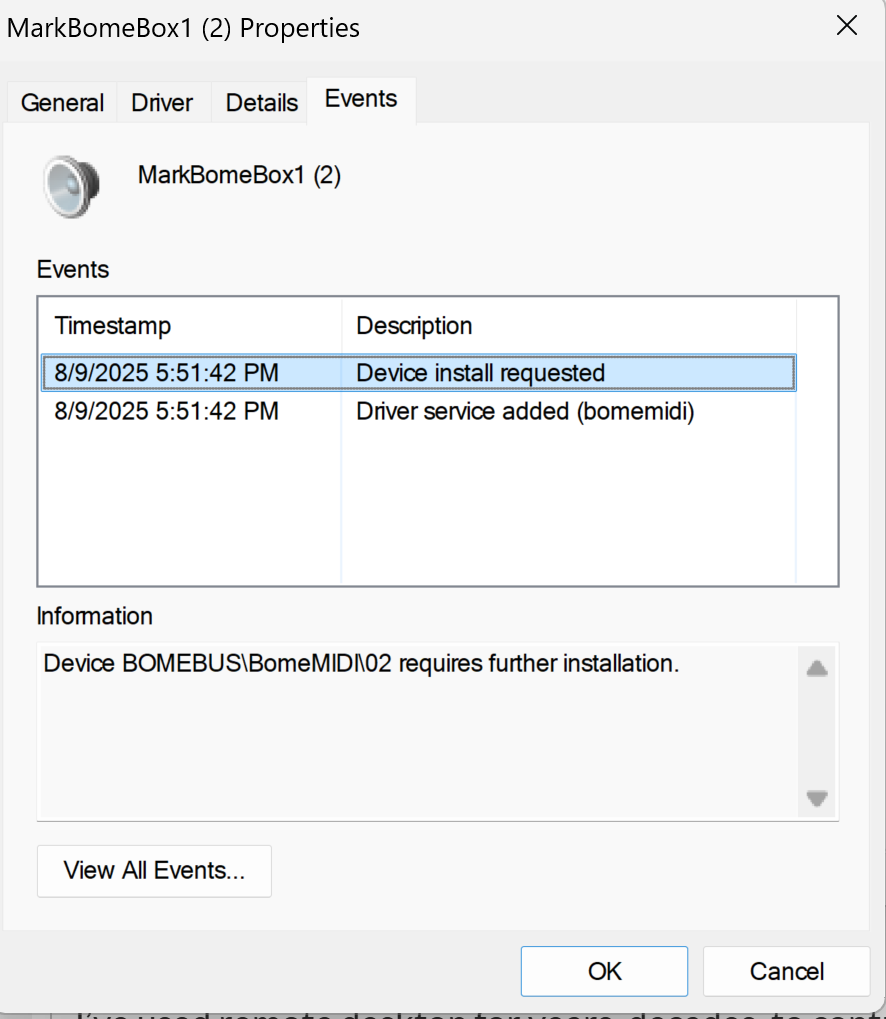
I checked on all my other machines (Windows 11, Windows 10, etc), and while the BomeBox works on those machines, I see the same “requires further installation” message on all of my devices. These are all very different machines (laptops, desktops, new, old, different OS versions, etc, though all are Intel processors). So it appears there is something up with the Bome virtual midi port driver.
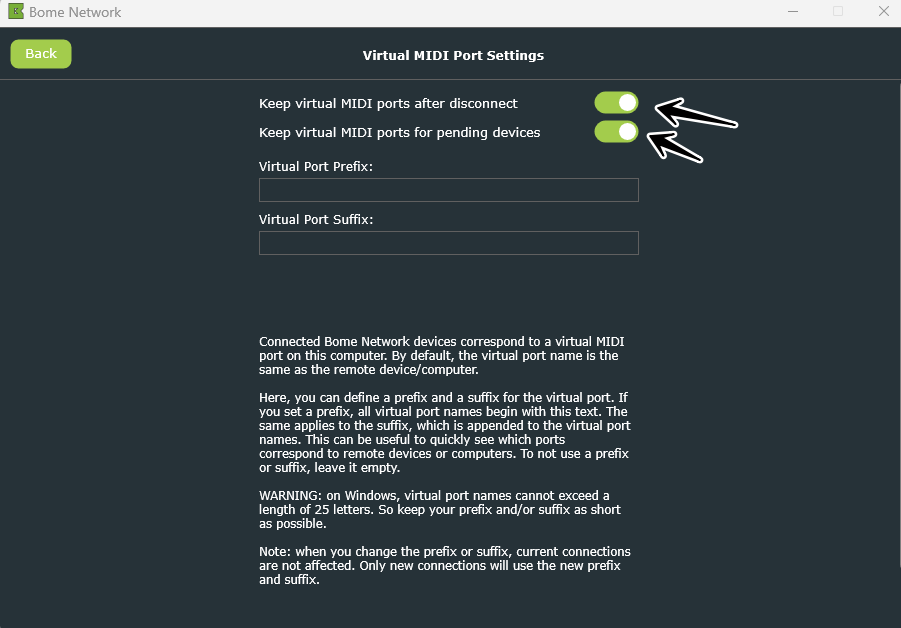
Steve - I did check and the options to keep virtual MIDI ports after disconnect and for pending devices are indeed enabled as you show.
Regarding hidden shadow devices, here is what I see under sound, video and game controllers:
Microsoft Streaming Clock Proxy
Microsoft Streaming Quality Manager Proxy
Microsoft Streaming Service Proxy
Microsoft Streaming Tee/Sink-to-Sink Converter (appears twice for some reason)
Microsoft Trusted Audio Drivers
Should I disable any of these? Should I look under any other device category?
And again, I think it is worth repeating, every single Windows machine I own shows “requires further instillation” under the Events tab for the Bome ports, though the ports do work on those machines.
Edit: these hidden devices don’t appear on my other machines, and Windows won’t let me disable them. I’m not doing anything else with this machine other than running Gig Performer as a VST host. I thought I had turned off all the Microsoft boat ware, so not sure where these came from. I can uninstall them, but my guess is they will just re-appear on reboot until I can find the offending service and kill it.
Edit2: I uninstalled the hidden Microsoft stuff, rebooted and it hasn’t re-appeared yet, but sadly it did not fix the problem.