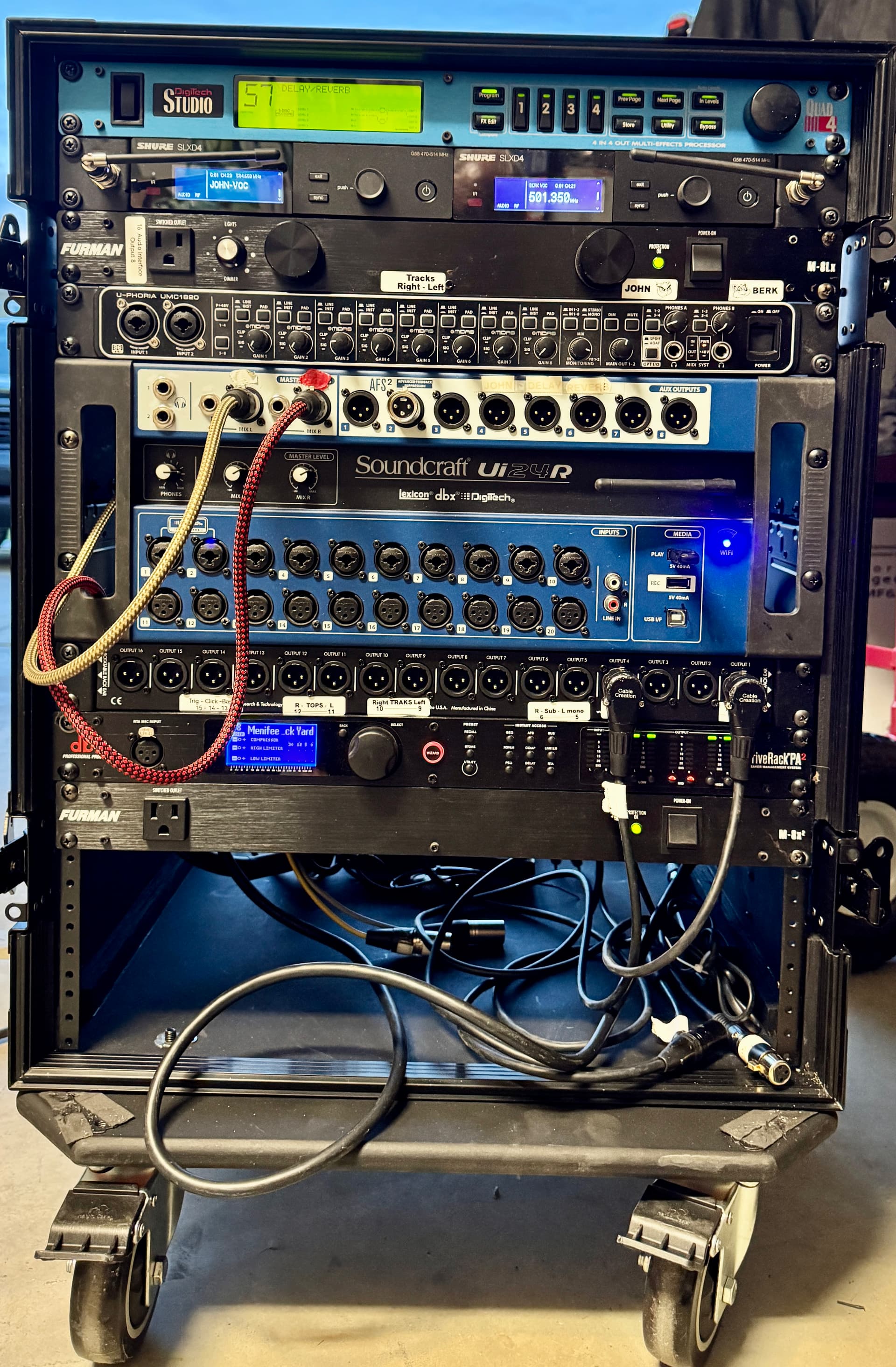
I have another quick question. The BOMEBOX is truly amazing! I had a thought. I have a driverackPA2 connected to a router, a UI24R connected to the same router, and my BOMEBOX connected as well.
I had this thought. I want to use my BOMEBOX as my router (not access point), and have a connected 4 port switch with POE. I would do this, to simplify the power cords in the rack case. So, one power cord goes to the switch, the dbx driverackPA2 connects to the switch (POE out, but doesn’t need POE as the driverack has its own power) and the UI24R connects to the switch, as well. Then, I connect the BOMEBOX (POE in) to one of the switches POE outputs (not the uplink port on the switch). This powers my BOMEBOX which would be my WIFI router and MIDI handler (MIDI for remote changing of my BigSky MX effects processor’s programs and parameters via BOME NETWORK connected iPad).
Question is, if the two ethernet ports on the BOMEBOX are on the same network, and the POE IN powers the BOMEBOX from a POE switch port, wouldn’t I be able to smoothly integrate the dbx and UI24R with the BOMEBOX as my router in this way.
I hope I wasn’t too confusing. Then only one power cord to the switch and power to the BOMEBOX/router is from the switch with the network integration.
If you are asking if you can use the POE Out connector with the same IP address as the POE In, then yes, they are connected just like a switch would be
Steve Caldwell
Bome Customer Care
Also available for paid consulting services: bome@sniz.biz
No, I was simply asking if a switch with POE can be used to both power my BOMEBOX and the BOMEBOX, as a router, use the switches remaining ports to connect and use other network devices where the BOMEBOX DHCP will assign ip addresses to the devices attached to the switch providing POE to the BOMEBOX
Hi,
It might be possible, but it is certainly a non-standard configuration for BomeBox. It would require going into advanced settings which is not supported by Bome.
The router engine for the BomeBox is OpenWRT so you would need to look at their documentation and extrapolate what is needed to set the POE In ethernet port for the WAN side of the configuration and the the POE Out ethernet port for the LAN side of the configuration. Then enable NAT for the LAN side of the configuation.
As shipped, the standard configuration setting allows for the WAN side to act as a DHCP client and the Wireless act as an access point or hotpspot for any LAN devices only.
By default the both ethernet ports are configured together as a DHCP client and the Wireless is configure as a hotspot which is a DHCP server for LAN (separate networks).
As I said, you might be able to change this in the advanced configuration settings on the BomeBox but this is not supported by Bome.
I edited the title of this thread to represent what you are looking for.
Steve Caldwell
Bome Customer Care
Also available for paid consulting services: bome@sniz.biz
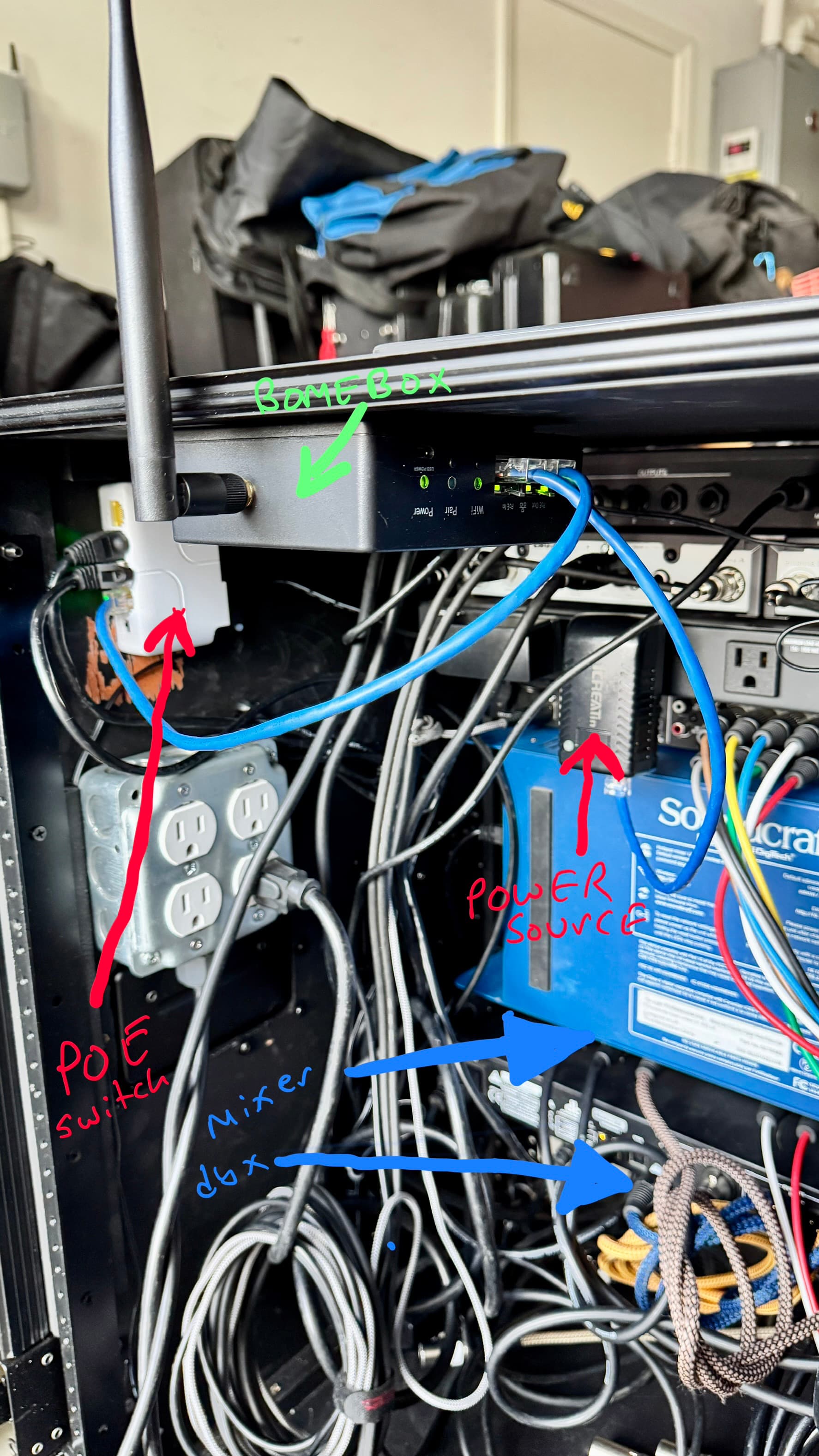
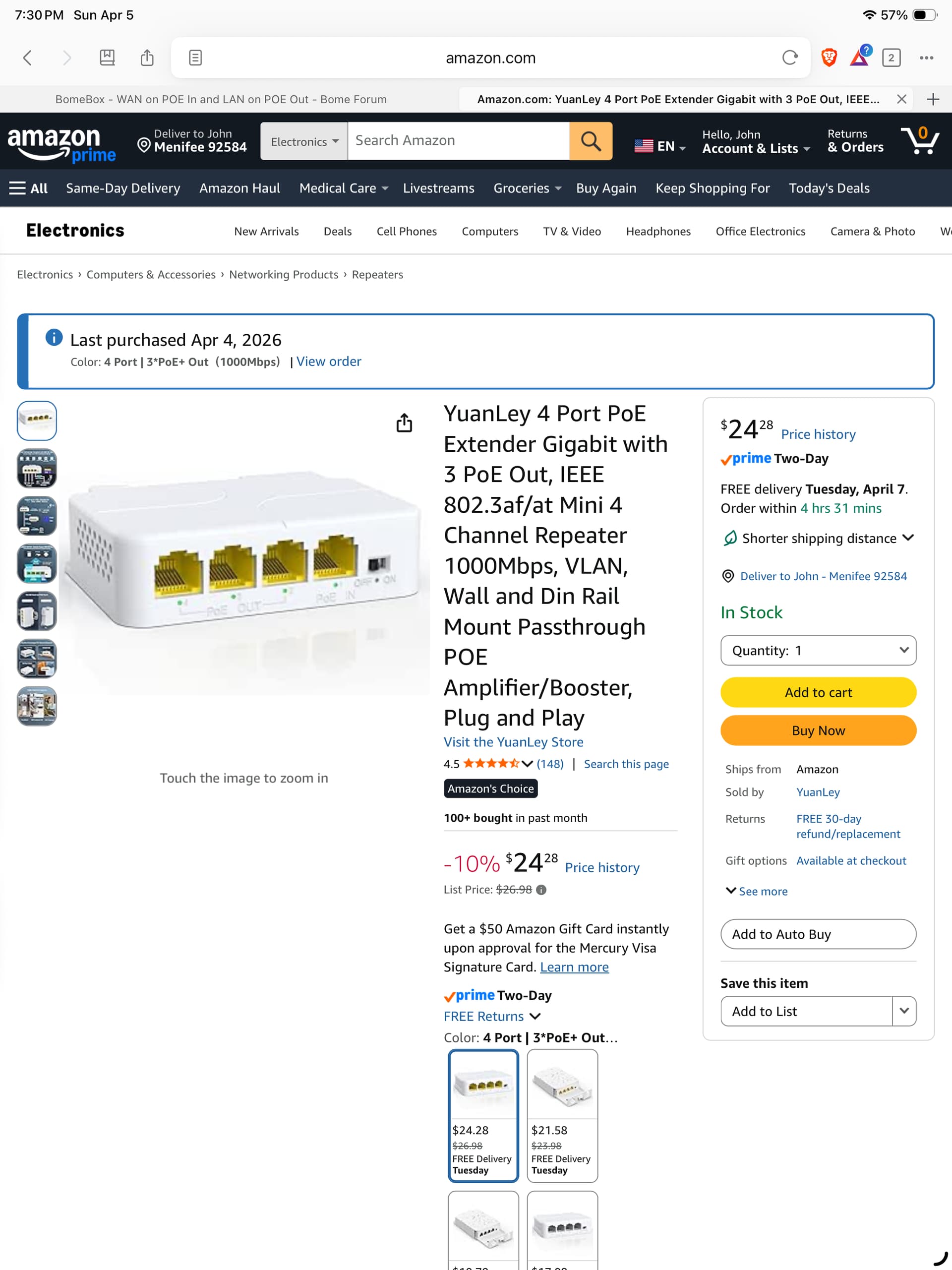
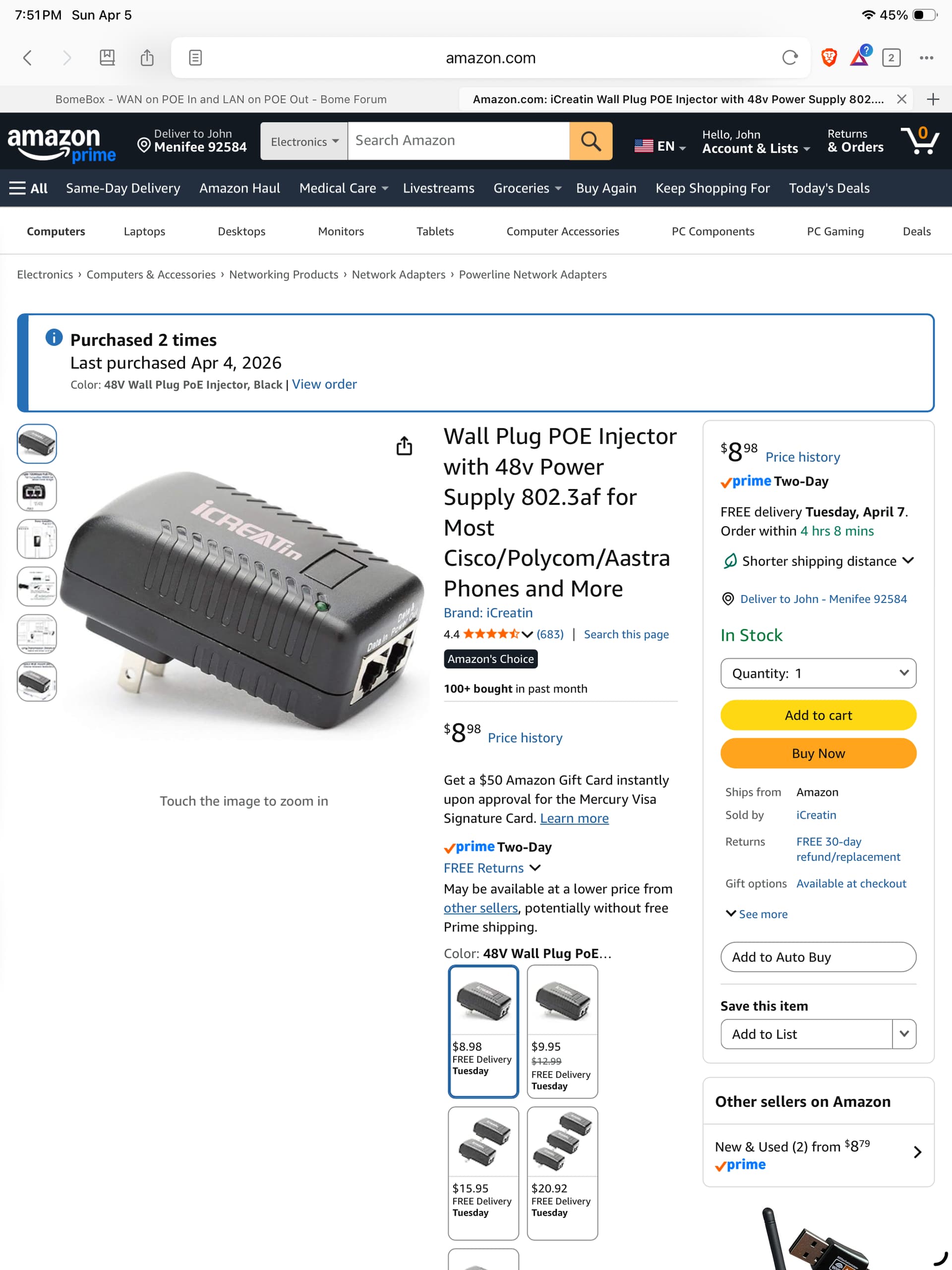
As opposed to powering the BOMEBOX with a POE switch, I powered the BOMEBOX POE IN directly, then used the POE pass through of the BOMEBOX to power a switch (POE EXTENDER) from the BOMEBOX POE OUT.
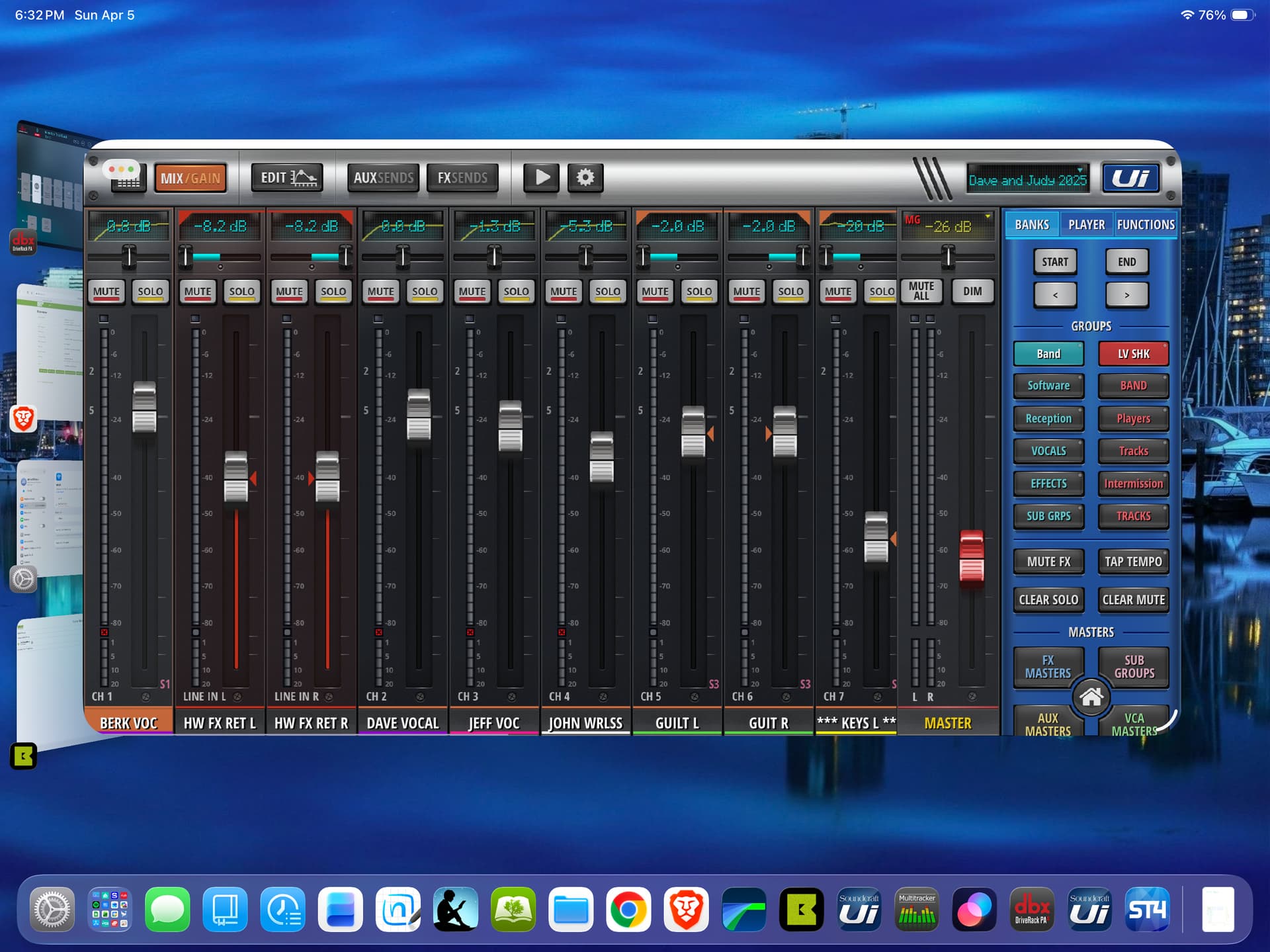
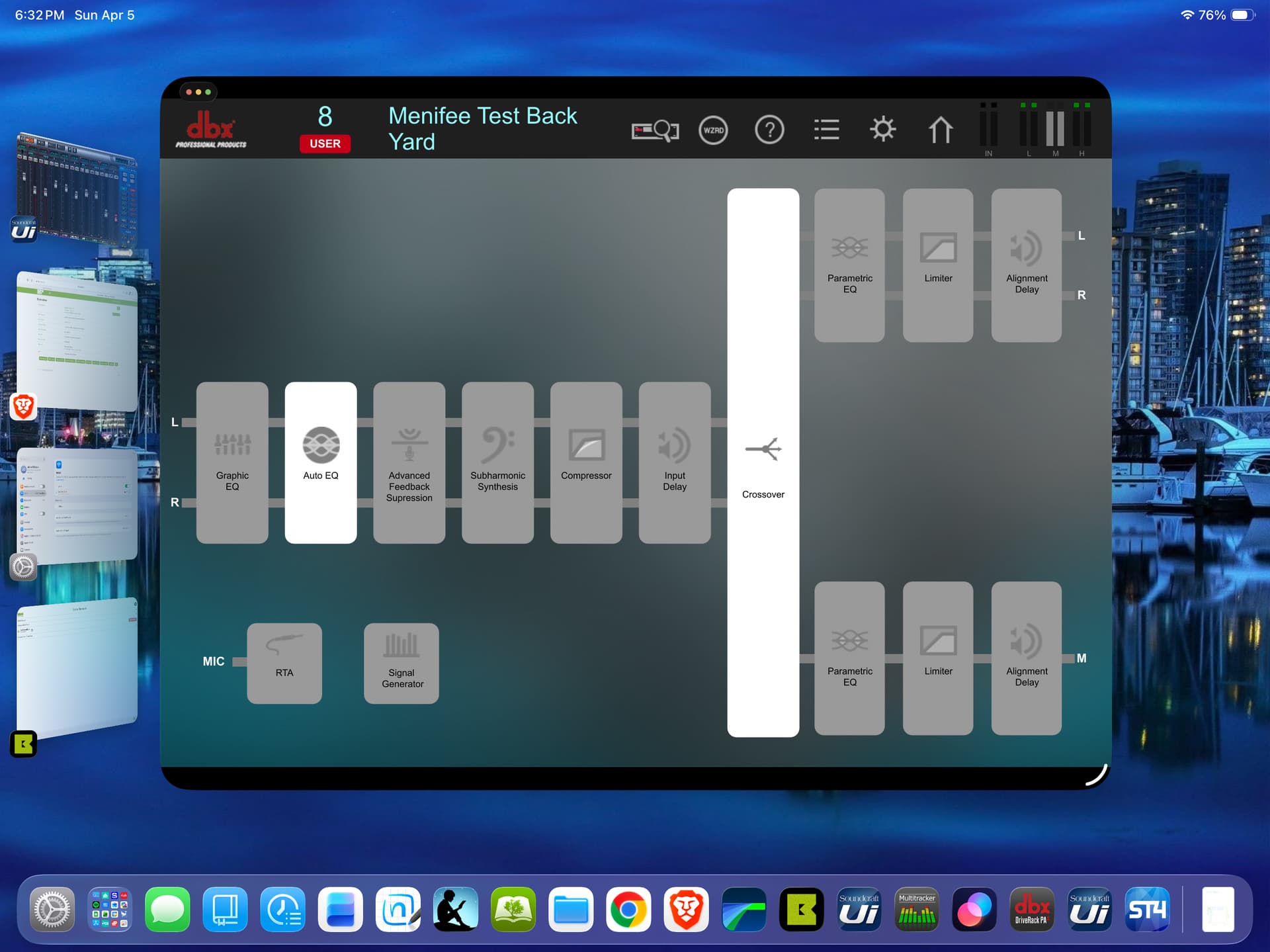
Thus, the BOMEBOX is my BOME NETWORK-enabled WIFI router giving me control over my Ethernet devices such as my mixing console (UI24R) and active crossover (dbx driverackPA2), while giving me wireless control of my StudioQuad (multi-effects processor) program change and parameters via MIDI OUT from the BOMEBOX using only 1 plug for power
Although the onboard effects of the UI24R are excellent, it has no stereo delay and parameter control is cumbersome. I use an app by 4Pockets for iPAD called Surface to control MIDI parameters.
My rack case is complete, with the BOMEBOX being the complete WIFI router, Ethernet controller and MIDI HUB all in one!!
I will be getting the new BOMEBOX, I just wished it would be 5g or dual band.
OK, good, however the new BomeBox will have 2 POE In connectors but no POE out so you might want to find a BomeBox 1 if you need POE out as well. It turns out that most people were not using POE out and POE out ports are more expensive so with the other additions we have coming, we wanted to control the cost (and price) of the new BomeBox 2.
For me, I just use a multi port POE switch to power multiple devices, included BomeBoxes.
Steve Caldwell
Bome Customer Care
Also available for paid consulting services: bome@sniz.biz