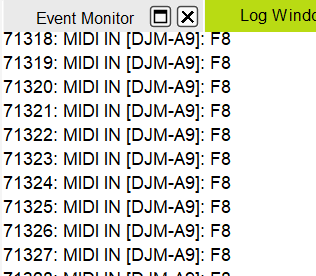
I try to find a way, to filter out the DJM-A9 Timing Clock Sync messages.
There are tons (20?) of these Midi events every second and using midi learn this way is basicially impossible.
Is there a way to Filter this Noise out?
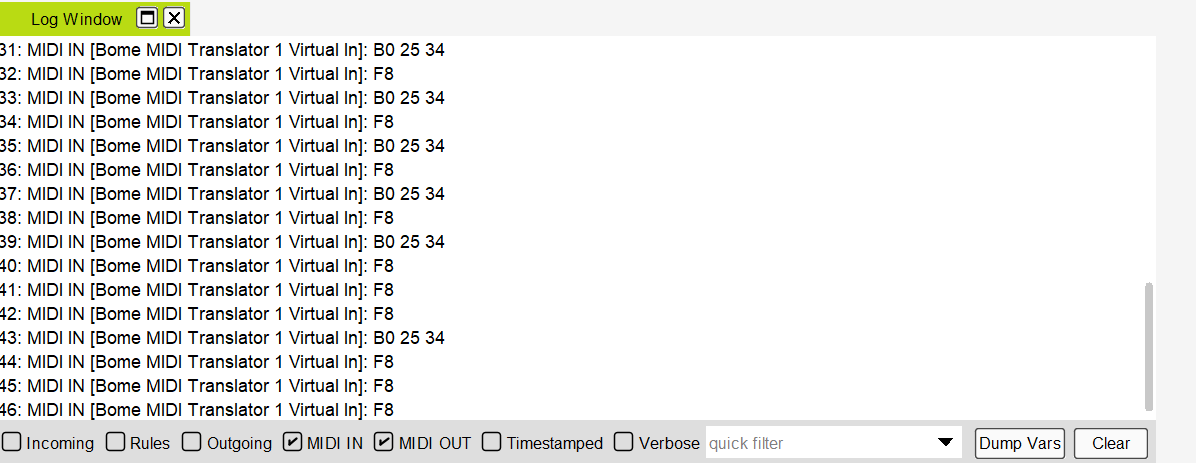
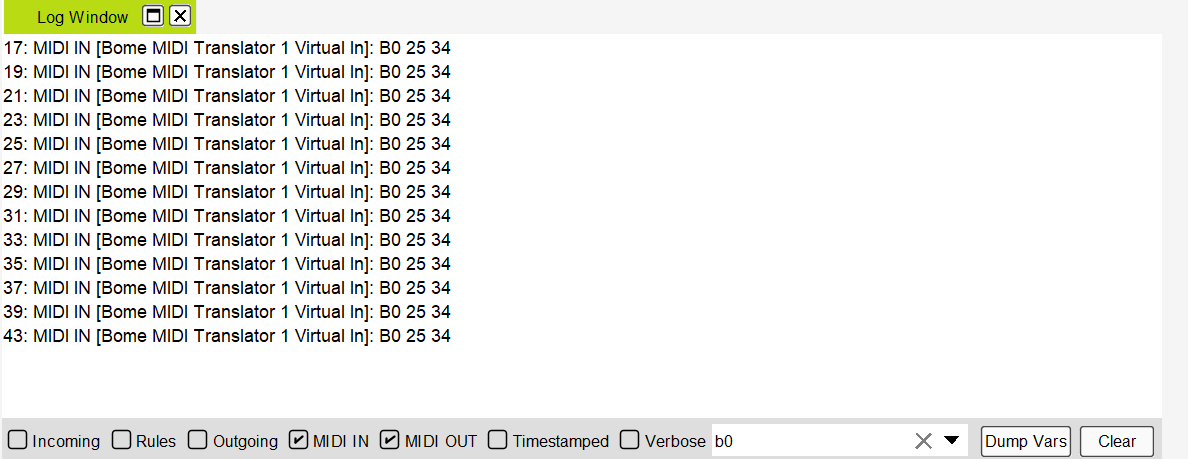
Yes, if your device sends timing clock there would be 24 of these messages per quarter note. You cannot filter them out in the log window unless you use the quick filter function at the bottom of the Log window and enter a partial message in the filter field. For instance, if you filter on “B0”, then you will only see CC message on MIDI CH 1.
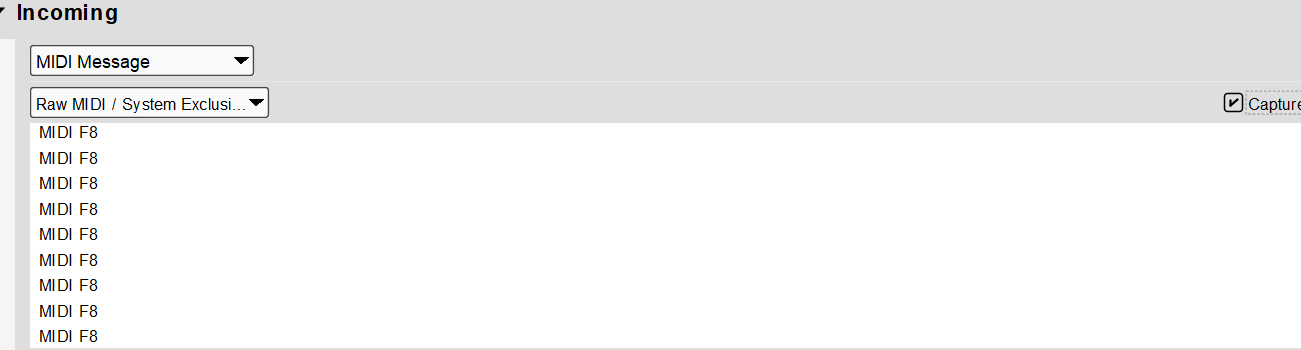
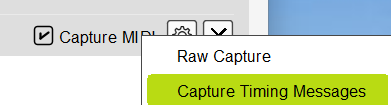
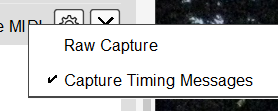
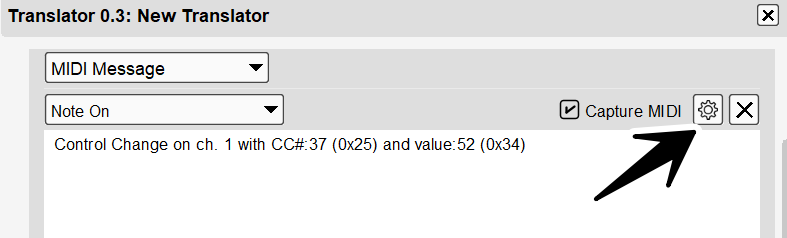
Now, in the ‘Capture MIDI’ area there is a gear ICON that you can filter out F8 messages. Just make sure that “Capture Timing Messages” is unchecked as shown. Then the timing clock messages will not be visible in the Capture MIDI section.