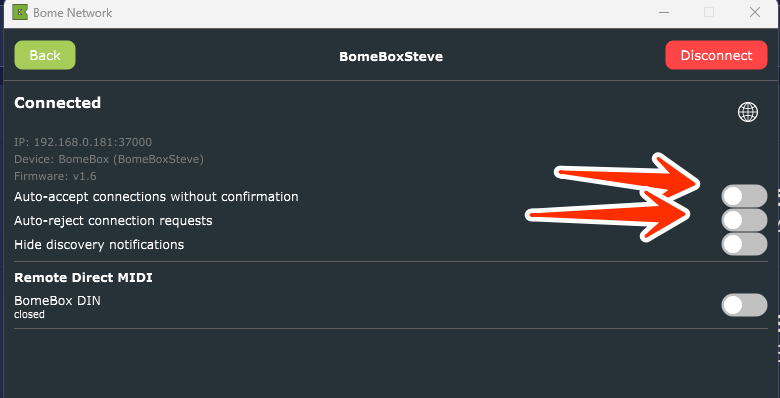
I updated the firmware to 1.6 and tried all of the steps above a couple times but I still get these two errors as it connects and disconnects … any recommendations, please?
131373 [NetMidiClient 1]: receive error 10053: An established connection was aborted by the software in your host machine.
120925 [NetMidiClient 1]: receive error 10054: An existing connection was forcibly closed by the remote host.
What is the reported firmware version of BomeBox and the reported version of Bome Network?
When you were pairing, did you initiate the connection from your computer or from the BomeBox? If from your computer, did you press the pair button when the pair LED started flashing?
Steve Caldwell
Bome Customer Care
Also available for paid consulting services: bome@sniz.biz
Sorry I missed the pairing question on the first reply. I initiated from the computer and did try pressing the pair button. The pair LED flashes slowly.
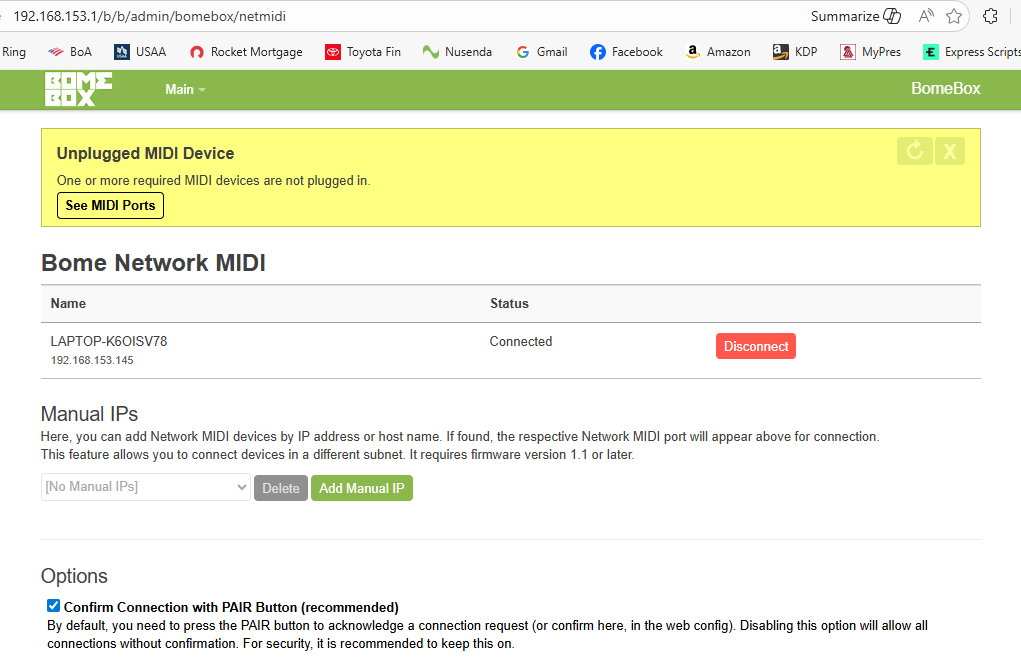
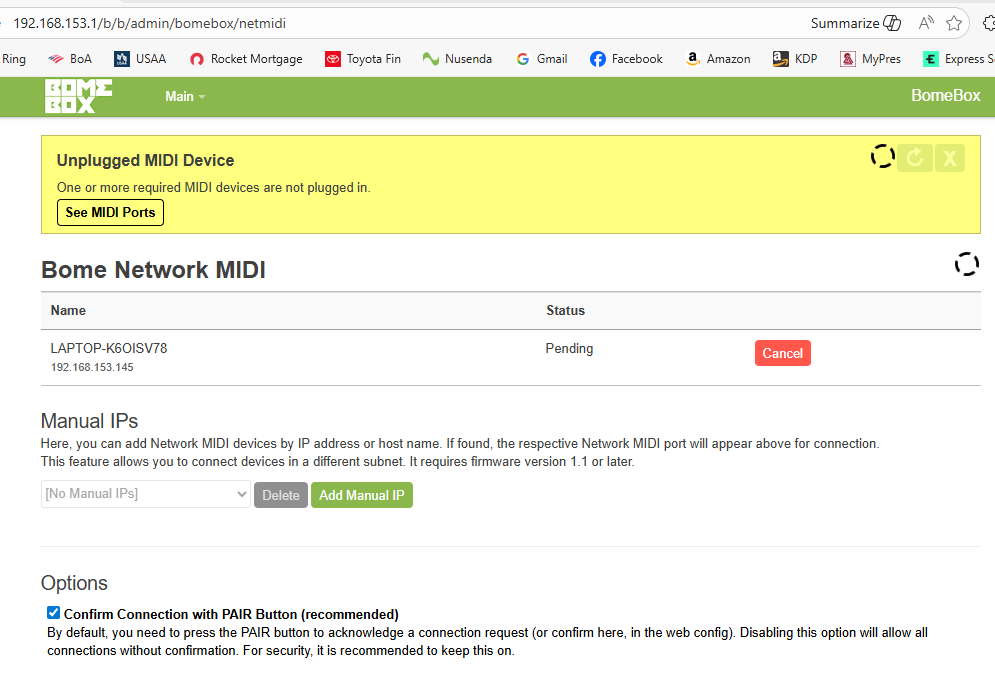
Attached are screenshots of the alternating views of the BomeBox Network MIDI page. I do not see how to complete the pairing on the BomeBox web page; maybe that’s why it’s not blinking rapidly? Yes, I re-started the BomeBox and the computer 4 times through this.
Then if the connection say connected, then press disconnect.
If it says pending, press cancel. Then go to your computer and initiate the pairing again.
The conflicting views tend me to believe there is a browser cache issue.
Also go to the settings page, Backup & Firmware tab and make sure it says 1.6
Finally, make sure you only have a wireless connection, ethernet connection but not both.
When it is properly paired, the pair light should be solid.
Is there anything else connected to the ethernet? What is the fixed IP that you have it set for? If there are two networks with the same name and your computer is trying to get through on both networks (with same name and different IP), then the connection will not be reliable. If you need both the ethernet and the WiFi on the same network you need to set the WiFi to access point and make sure that the ethernet has a DHCP master on it.
You can get around this by using ‘exclude nework’ in your Bome Network tool on the network you do not want to connect to.
Also you might try going to your Network MIDI 2.0 page on the BomeBox and disconnect anything that shows pending or connected. There shouldn’t be anything there because we don’t yet have Network MIDI 2.0 implemented on the BomeBox.
I don’t have the BomeBox connected to the ethernet with the computer; it is only over wifi. The BomeBox is connected to my Line 6 Helix LT (I send the MIDI commands from this) and to my A&H CQ20B. Those worked moments before I loaded the updated firmware.
I checked the Network MIDI 2.0 page and nothing is pending or connected.
Does you pair light still blink slowly? If so, try another USB cable or a USB cable from a different port on the surge protector.
Also try temporarily disconnecting your CQ20B in case it is drawing current through it’s USB port.
In fact, try temporarily disconnecting all USB MIDI devices and only use power and WiFi to see if you get a connection. The BomeBox should provide up to 1A to attached devices but maybe something is misbehaving. USB power is more susceptical to power variations than POE.
Hi, this is a complete mystery! Just to understand where the problem could originate from: Have you tried connecting the computer to the BomeBox (also setting it to a different fixed IP address in the same subnet)?
Maybe something with the WiFi settings has gone off. When you’re sure that Ethernet connection works, you can try different WiFi settings, also in the Advanced configuration.
Last resort, maybe a firmware reset of the BomeBox will help?
PS: I’ve split this topic because it’s a different issue
The firmware reset will set the ethernet back to DHCP client and you say you don’t have a stable connection so maybe the fixed IP address is causing the problem.
Also, could you show your computer network configuration?