Forum Post – Bome MIDI Translator Pro + X-Touch Mini
Hello, I am trying to use a Behringer X-Touch Mini together with Bome MIDI Translator Pro for DCS World.
Goal:
controls.
I want to use the X-Touch Mini encoders and buttons to generate normal keyboard inputs for DCS cockpit
System: Windows 11 Bome MIDI Translator Pro Trial Behringer X-Touch Mini Running Bome as
Administrator
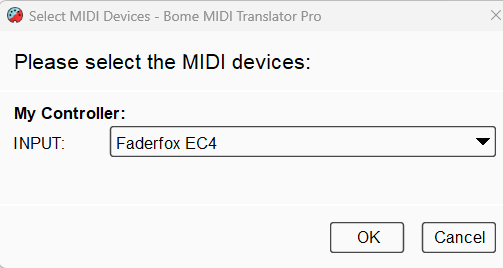
Current situation: The X-Touch Mini is detected correctly. MIDI ports open correctly. MIDI IN works.
Incoming MIDI messages are detected correctly. Buttons and encoders are both recognized. Translator is
active. Bome engine is running.
Problem:
No Keystroke OUT is ever generated.
What I tested: Note On Control Change Raw MIDI Capture MIDI works Outgoing set to “Keystroke”
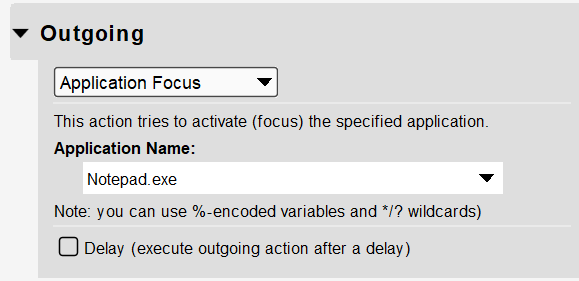
“Physical Keys” enabled Simple test with key “A” Tested with Notepad GO/STOP states checked
Translator active and checked Capture MIDI disabled after learning Tried both buttons and encoders
Behavior: MIDI IN blinks correctly in Event Monitor Keystroke OUT never blinks No keyboard event
reaches Windows
Important:
This is not yet a DCS problem.
The issue already exists inside Bome itself because no keyboard output is generated at all.
Question:
What could prevent Keystroke OUT from firing even though MIDI IN works correctly?
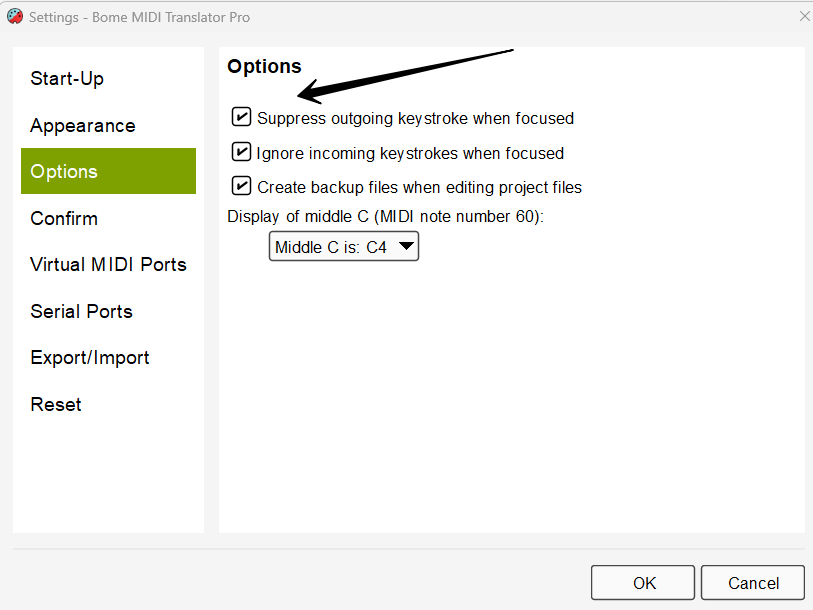
Is there: a known issue with X-Touch Mini, a Windows keyboard injection issue, or a specific setting
required for keyboard emulation?
Thank you.