Recursive Creation of Virtual Ports - AutoConnect to New Ports

I am trying to use Bome in a very simple way: Connect 14 ports (16 midi channels each) to VEpro Standalone from Logic on a Mac to a PC.

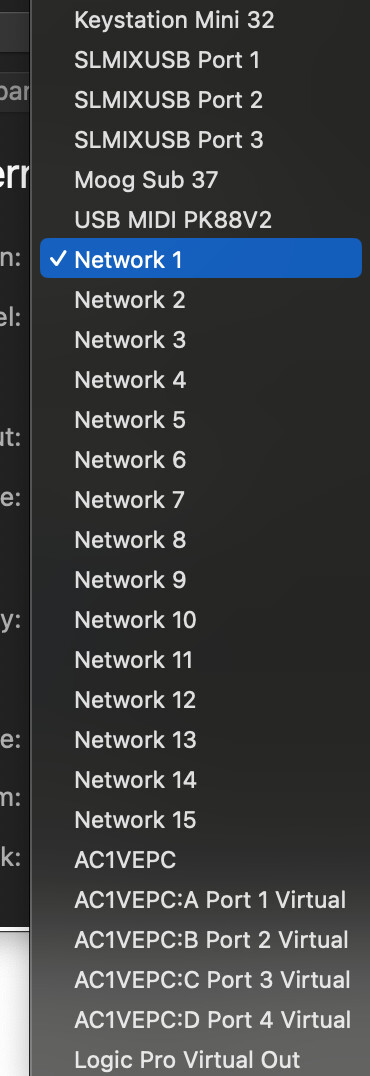
I need the port names on the Mac to be retained (‘Network 1’, ‘Network 2’, etc) because I need to be able to switch between projects and have the port assignments retained in complex large songs.

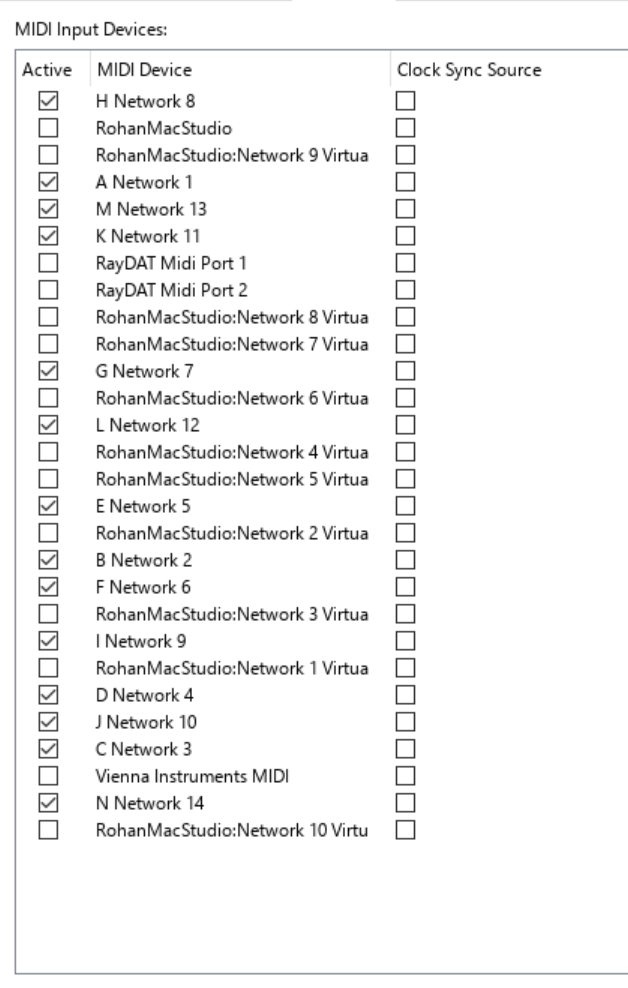
On the PC side, I need the ports also to be simple, but they have to have a letter assigned at the beginning. So ‘A Network 1’, ‘B Network 2’ etc. I then would route the incoming ‘Network 1 Virtual In’ from the Mac to the PC.

In VEpro and Bidule, I need to only to see the virtual ports I have created. I cannot seem to stop Bome from creating new ones.

I have literally spent 2 full days tearing my hair out to do what I thought was a fairly simple operation, but I cannot get it to behave and the routing window gets very messy. I have tried everything I can to uninstall and reinstall and update and start from a clean slate, but no matter what I do, Bome always remembers the last state. God knows where it stores that information but it has defied my attempts to delete.

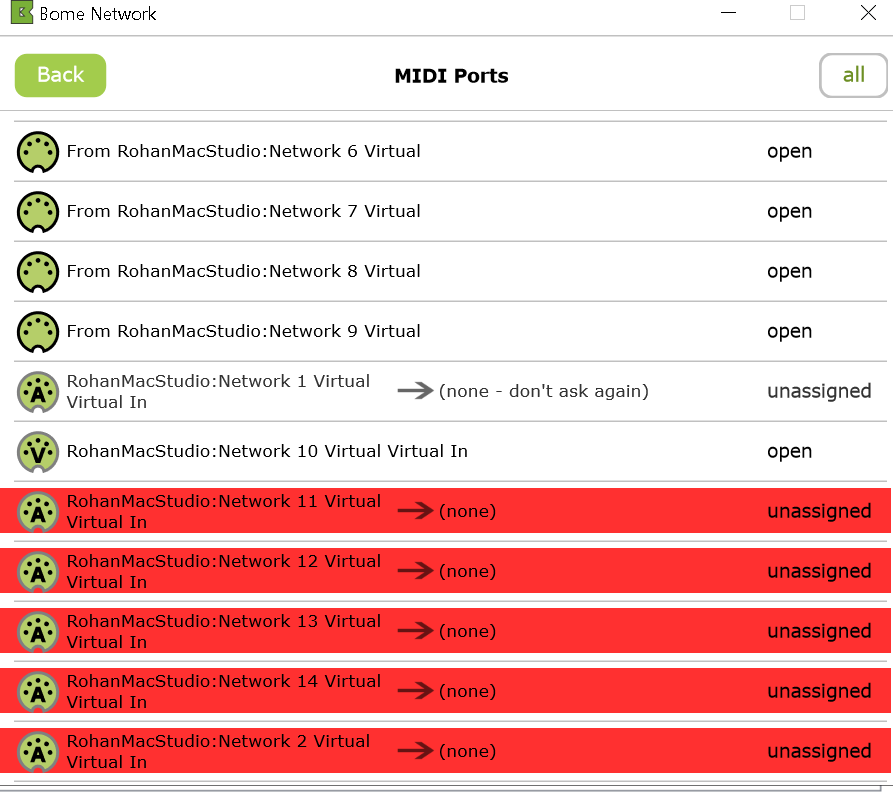
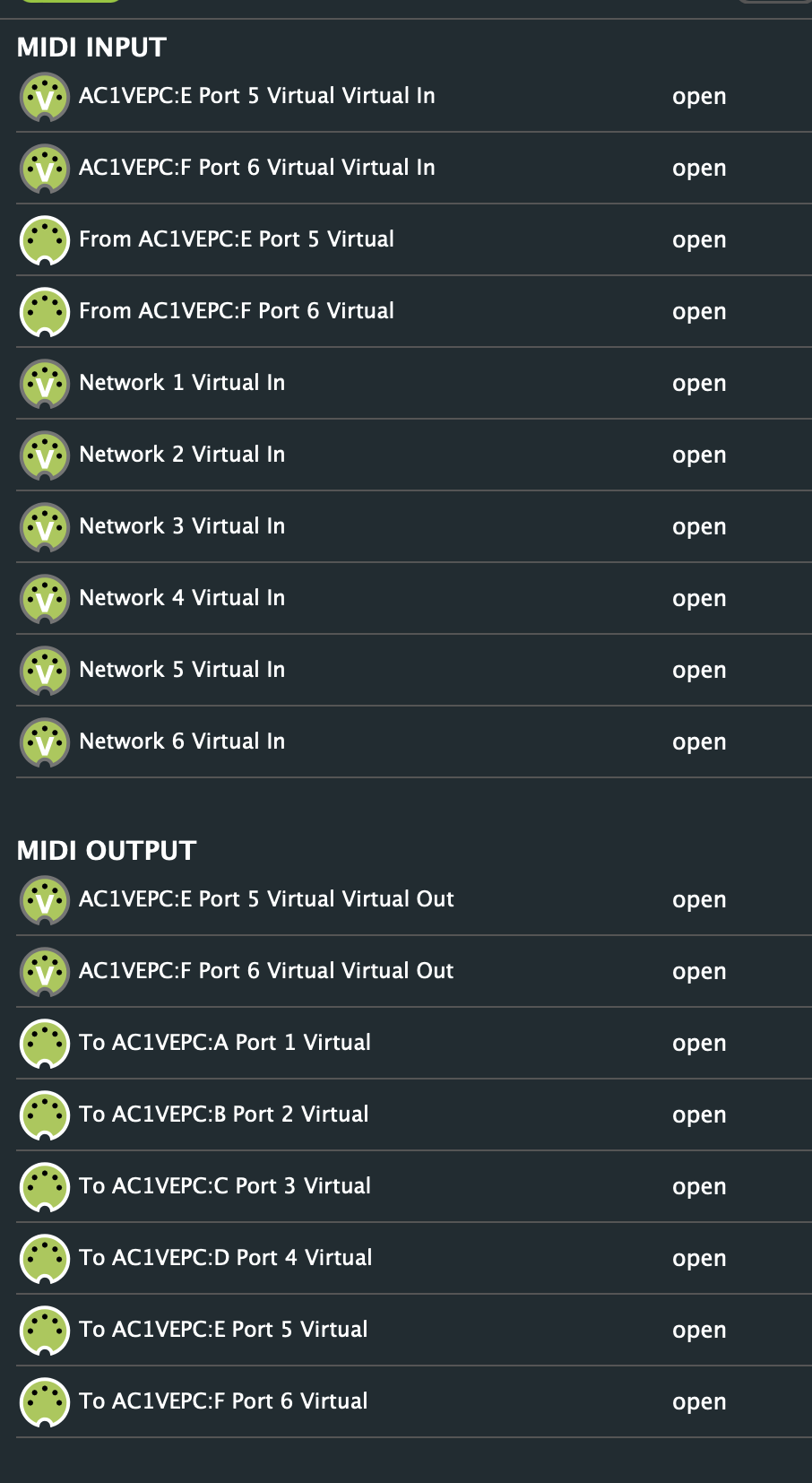
What happens is each iteration I get ‘Virtual Virtual In’ as well. It’s pretty messy.

Is there any way to stop Bome from creating these virtual ports automatically?
Hi and welcome to the Bome community!

Hi,

It port names on both systems are indeed important, you will need to create virtual ports on you Mac. Instead or 14, my example is with just 2. You can apply the same logic to the other 12.

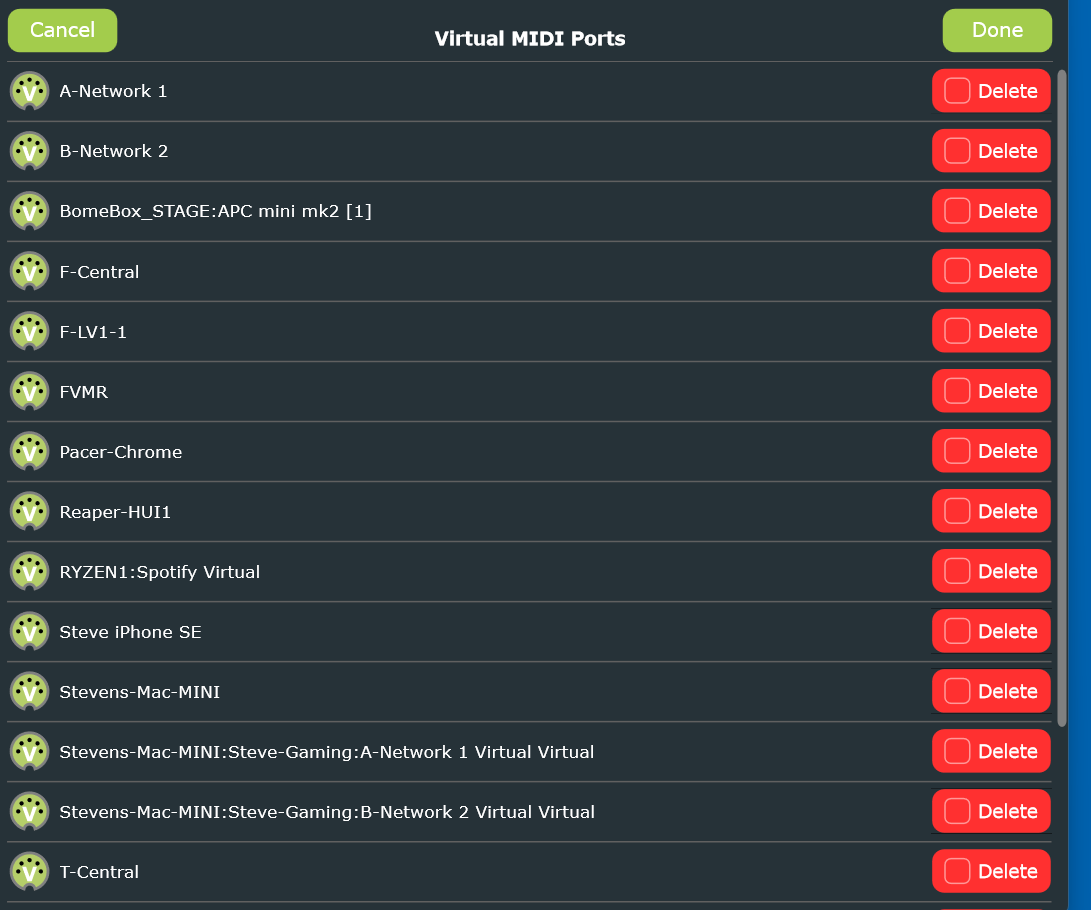
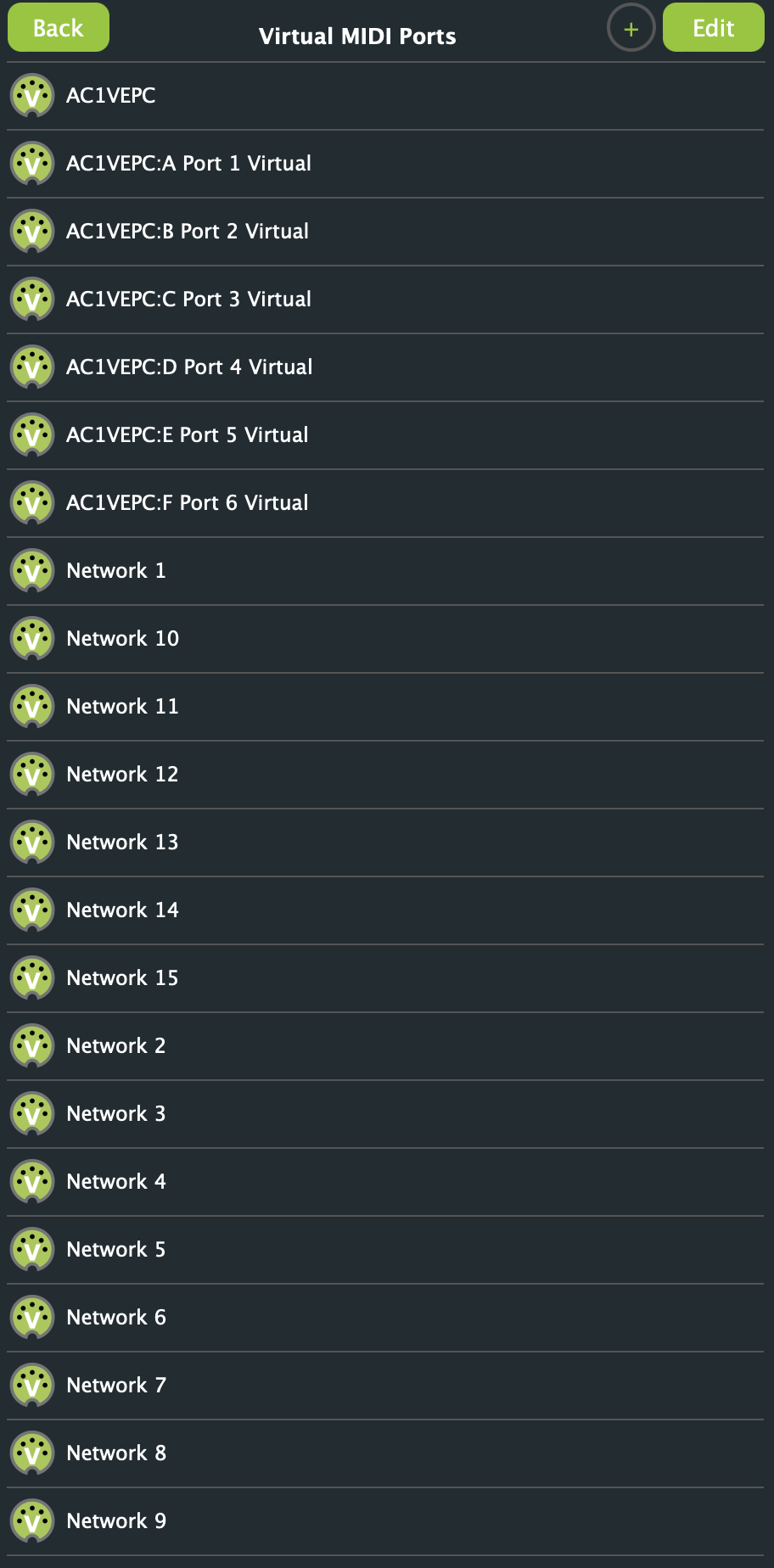
On Mac, create your virtual ports, Network 1, and Network2
On PC, create your virtual ports A-Network 1 and B-Network 2

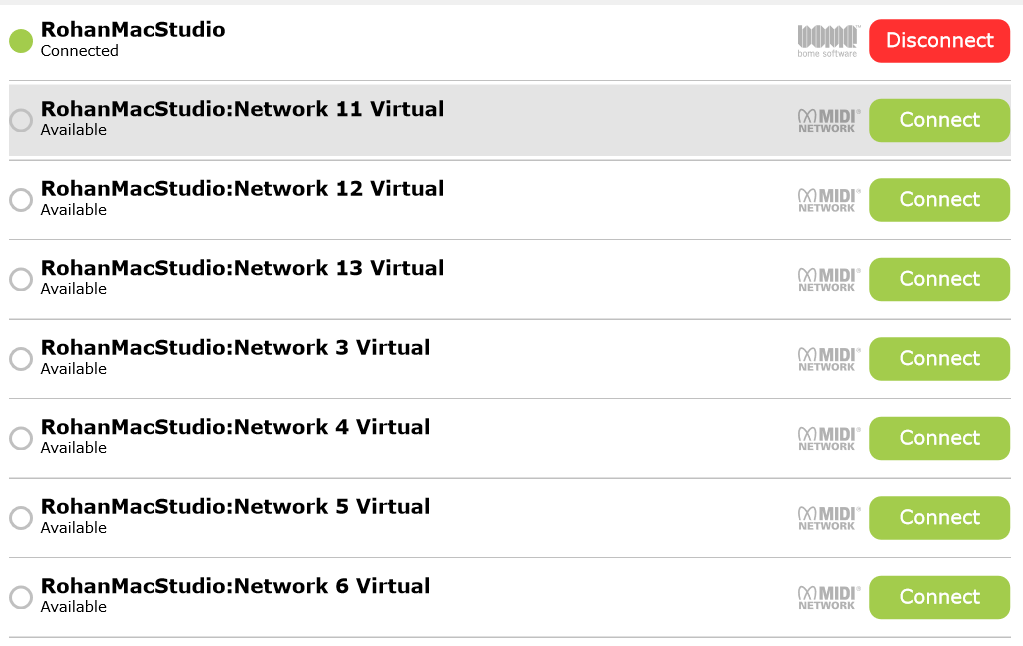
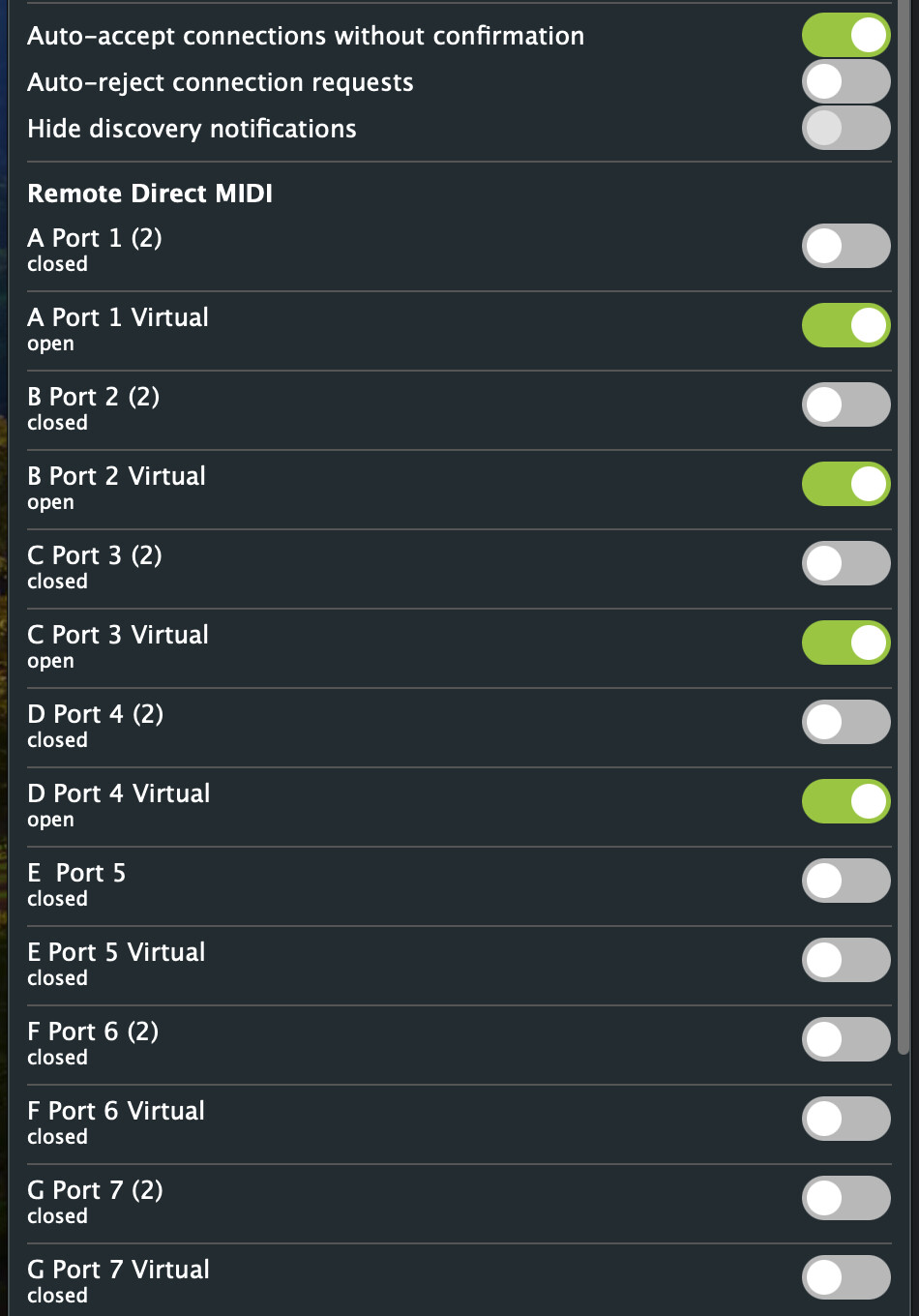
On Mac click on your connection to your PC and turn on the switches for A-Network 1 Virtual and B-Network 2 Virtual

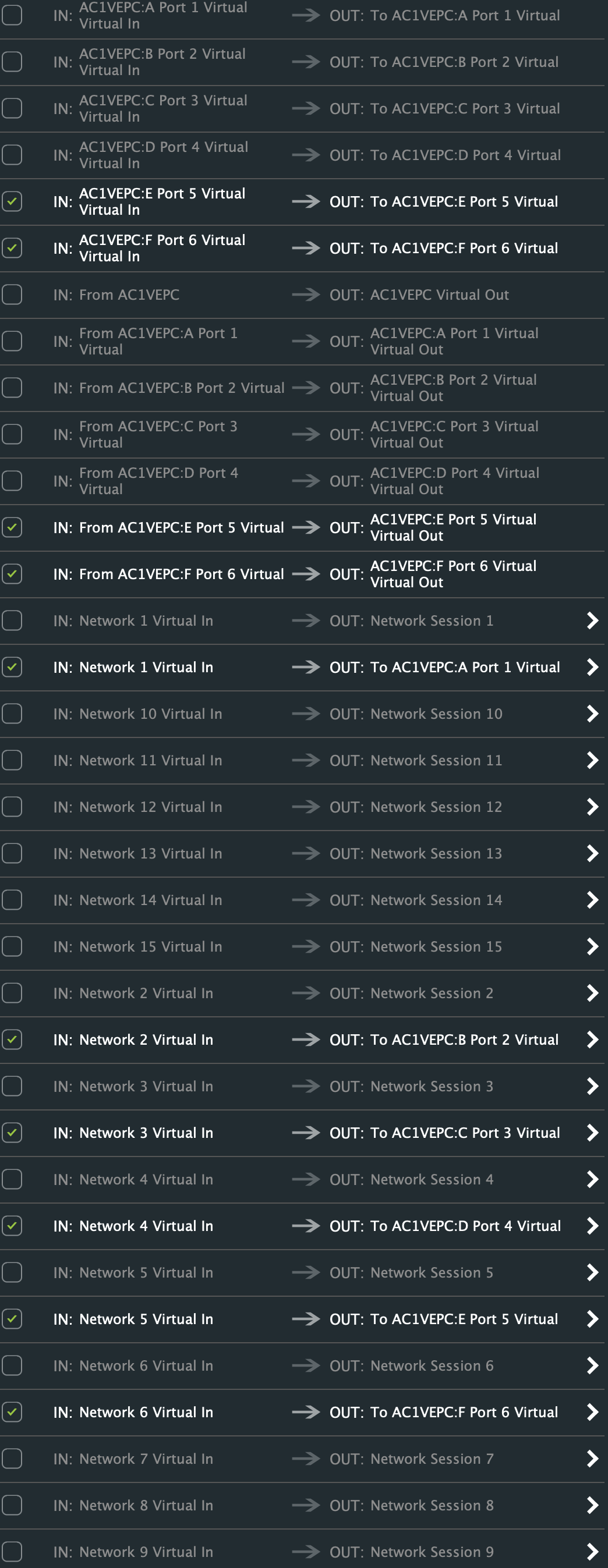
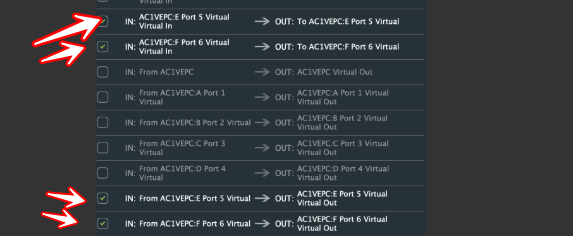
This auto creates additional routes on your Mac which you must disable by unchecking

IN: From MyPC:A-Network 1 Virtual → OUT:MyPC:A-Network 1 Virtual

IN: From MyPC:B-Network 2 Virtual → OUT:MyPC:B-Network 2 Virtual

IN: MyPC:A-Network 1 Virtual Virtual In → OUT: To MyPC:A-Network 1 Virtual

IN: MyPC:B-Network 2 Virtual Virtual In → OUT: To MyPC:B-Network 2 Virtual

Then on your Mac add the following routes:

IN: Network1 Virtual In → OUT: To MyPC:A-Network 1 Virtual

IN: Network2 Virtual In → OUT: To MyPC:B-Network 2 Virtual

Now the two ports from your Mac will send to your PC as shown in the last two routes.

The Virtual Virtual ports are essentially additional ports created by Remote Direct MIDI to expose a physical virtual port on a given machine to a new virtual port between machines. I know this is confusing but that is the only way one machines virtual ports can see the other machine’s virtual ports.

So for every port that has Remote Direct MIDI selection, the 4 additional routes are automatically added.

I hope this makes sense.

Steve Caldwell
Bome Customer Care
Also available for paid consulting services: bome@sniz.biz