Just this morning I cannot access the BMT window on Windows 11. The program auto starts and the icon is visible in the Start Menu in the lower right corner. Clicking on show, show on main screen, exit or minimize do nothing. I have ended the task in task manager and restarted, reinstalled… All to no solution. What could have happened here?
Hi, and sorry for your problem!
What version of Bome MIDI Translator Pro are you running? If not 1.9.2, then please upgrade. You can find a new download at bome.com by logging in, clicking the person icon and then going to the products menu.
If you are already running 1.9.2, please delete the settings file as well as backup settings files (or store them somewhere else). Then restart Bome MIDI Translator Pro . Typically this problem occurs if you have some placed Bome MIDI Translator Pro offscreen and then restarted as the settings file keeps the last screen location and restores to that location when started.
See this post to find the settings file.
Steve Caldwell
Bome Customer Care
Also available for paid consulting services: bome@sniz.biz
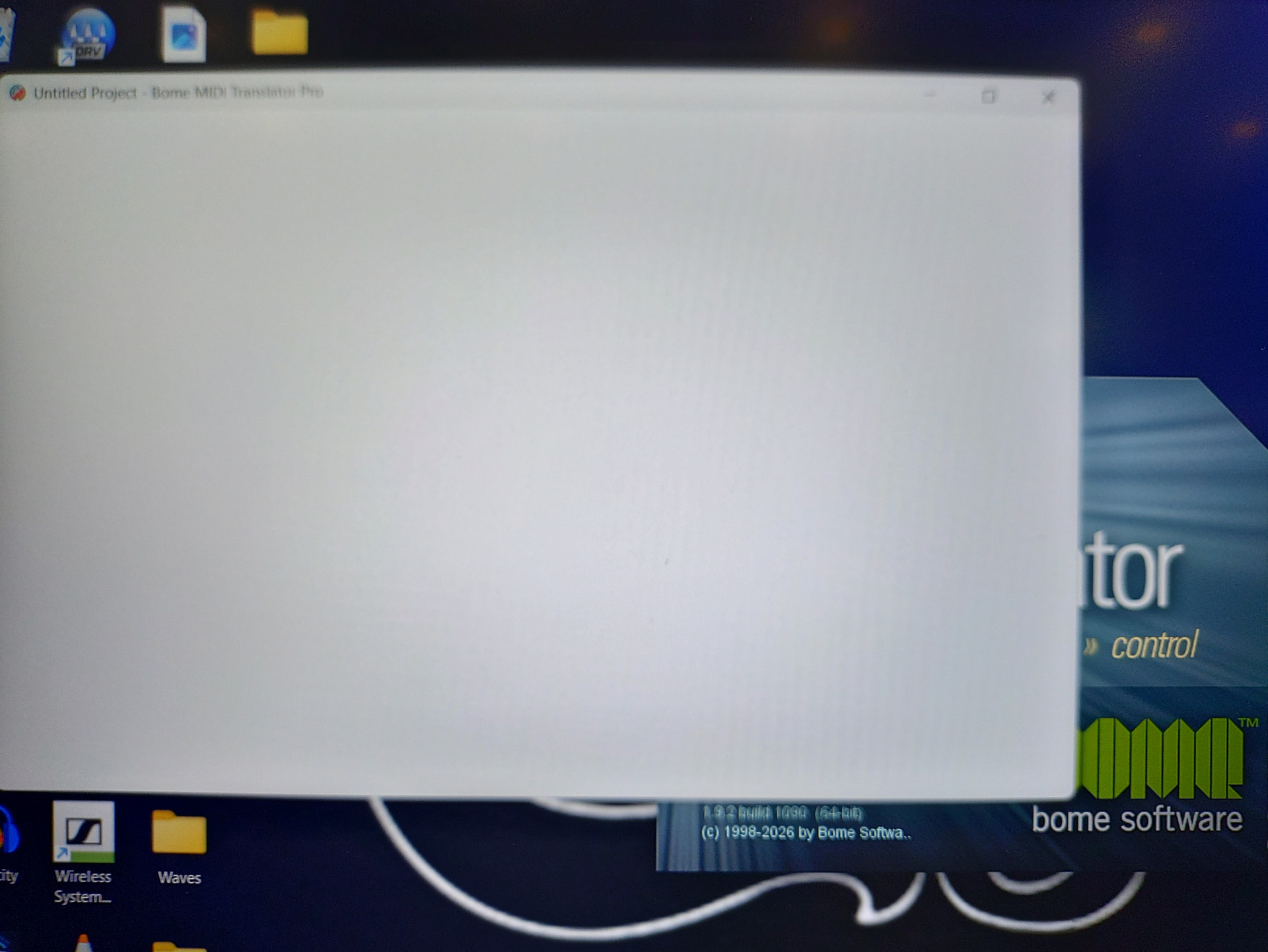
I have deleted all settings files and rebooted. BMT starts up but is frozen on this blank screen and the splash screen behind. 1.9.2 build 1090 is installed.
I cannot x out of the window, I cannot close it from the start menu I can minimize the window, and I can’t close the program from the taskbar.
Wow, strange. Has your Windows 11 system recently been updated? I know that the 2026-H2 build is coming out now. One of my systems already has it but I haven’t experienced any problems.
Can you kill Bome MIDI Translator Pro using task manager? Do you see multiple instances running?
You can also try reinstalling Bome MIDI Translator Pro. I believe the GUI uses Java and maybe one of of the supporting files has been deleted or is corrupt. Reinstalling Bome MIDI Translator Pro again should restore the original files.
Steve Caldwell
Bome Customer Care
Also available for paid consulting services: bome@sniz.biz
Yesterday I turned off Smart App Control because I was having an issue with another program starting properly. This helped.
A security update installed, but the programs ran fine last night. I can kill Bome in Task Manager. There aren’t multiple instances. I’ve already reinstalled and this didn’t fix the issue but I will try again. Show critical unfortunately…
Update: after clearing settings again, reinstalled and reboot, it is working. Very strange indeed. Steve, thanks always for prompt assistance. I’ll let you know if I run into any other issue. The show must go on …
I’m glad you got it working and thanks for the update!
Steve Caldwell
Bome Customer Care
Also available for paid consulting services: bome@sniz.biz