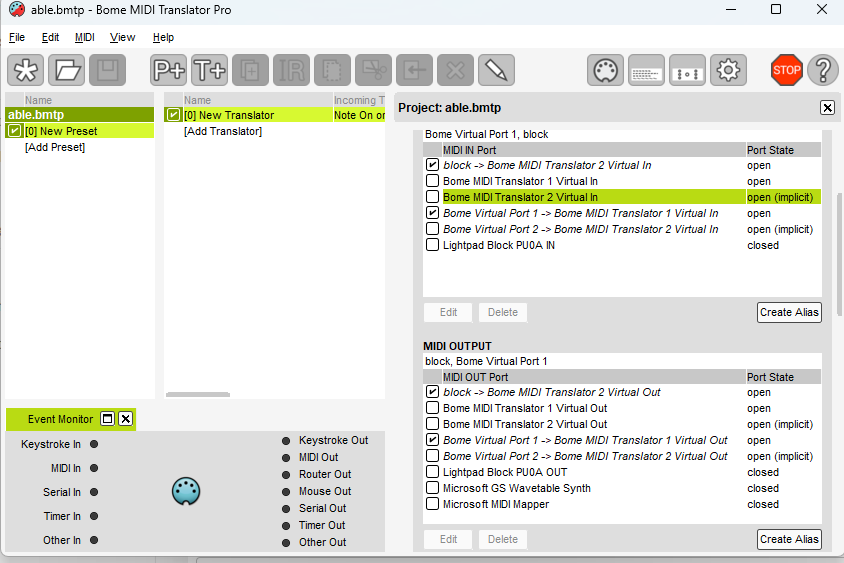
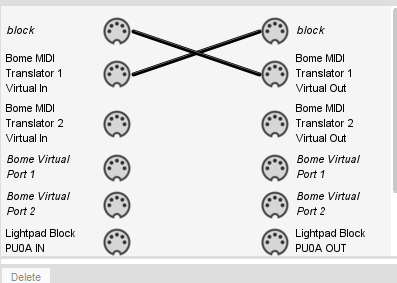
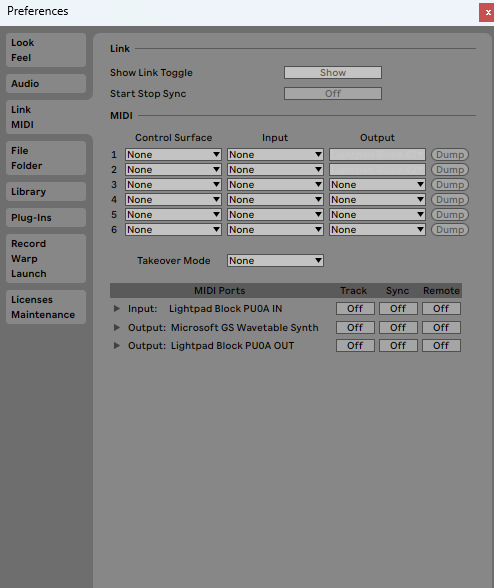
Hello! I hope ive come to the right place! I cannot for the life of me figure out how to get ableton to recognize the midi ports from Bome MT pro. Someone help!
Hi and welcome to the Bome community!
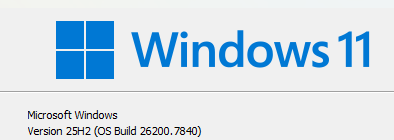
Could you tell me the verion of Windows that you have installed?
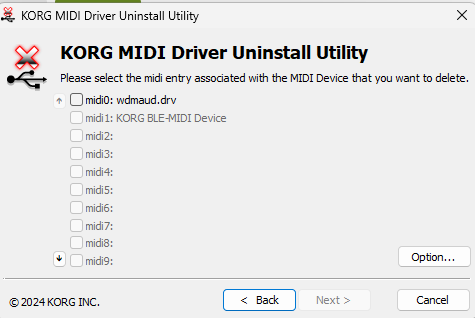
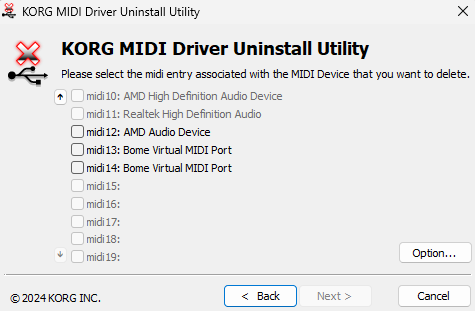
In general the Korg drivers will not stop anything from recognizing the Bome Virtual Ports, however they do make Korg ports sometimes unrecognizable. I recommend de-installing the Korg MIDI drivers.
See this post.
Microsoft is currently releasing new MIDI drivers to support MIDI 2.0 which is the reason I ask about the OS version that you are running. Apparently, the new OS version does not like the Korg MIDI drivers at all.
Most people do not yet have the new OS version, however but I though I should ask.
If you know you are not on the latest version, you should probably uninstall the Korg midi drivers and then re-install Bome MIDI Translator Pro .
Steve Caldwell
Bome Customer Care
Also available for paid consulting services: bome@sniz.biz
Windows 11.
I’m not trying to use korg. I only downloaded it so i could use the uninstall driver tool and see whats going on. Even when i uninstall it, the bome ports do not show in ableton, even after a reboot - as well as deleting the preferences file in Ableton appdata. I had been installing a few midi things, such as loopmidi (uninstalled now) midi ox( uninstalled now) bome classic (uninstalled).
I have midiberry installed still - im trying to connect my ROLI blocks via bluetooth and control ableton. I was able to get loopmidi port to appear in ableton and midiberry ONCE but couldnt get it to work again. I caved and bought bome pro.
I have gone into windows services and started Windows midi services and made it automatic…
Uninstalled ableton and reinstalled. Uninstalled bome and reinstalled. Something seems to be in the way of bome ports and ableton…
Hi,
Also are you using Remote Desktop? If so, you might want to check out this thread.
Steve Caldwell
Bome Customer Care
Also available for paid consulting services: bome@sniz.biz
Huh! i was messing around and eventually made bluetooth remove a bome port manually which crashed the computer and then i believe windows downloaded updates and fixed itself cus it works now!
Well, I’m not sure how you could get bluetooth to remove a Bome port but I’m glad it is working now.
Steve Caldwell
Bome Customer Care
Also available for paid consulting services: bome@sniz.biz